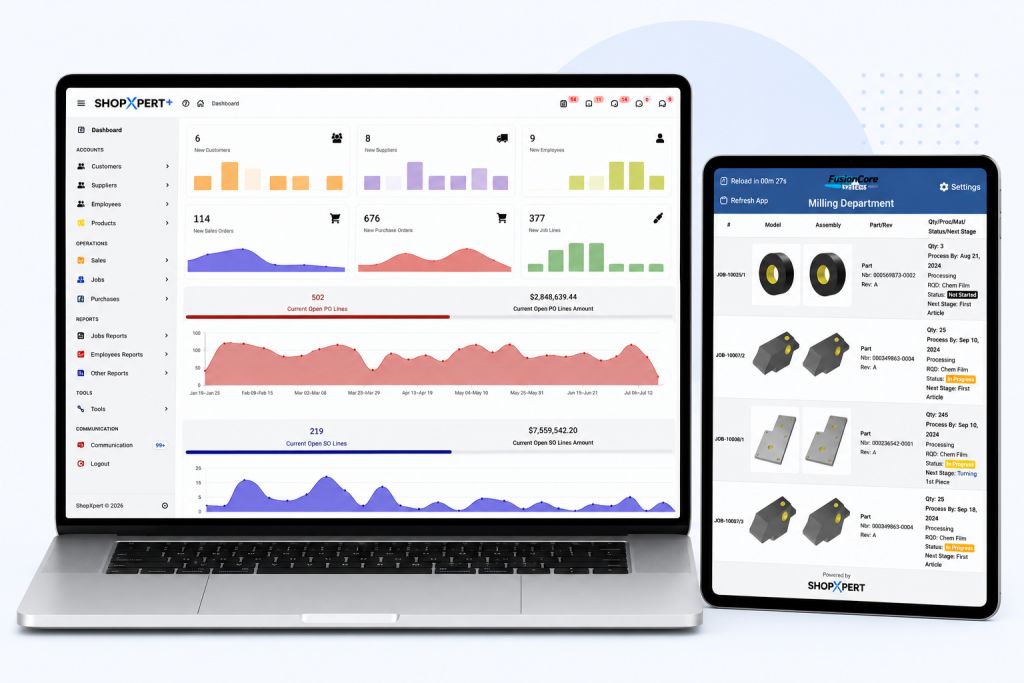
Every machine shop owner has lived this: two estimators price the same part, the numbers come out far apart, and nobody is sure what the last batch of that part really cost. Quoting turns into a mix of memory, gut feel, and an old spreadsheet. Price too high and you lose the work. Price too low and you win a job that loses money.
This guide walks through how to quote CNC machining jobs in a consistent way, what belongs in every estimate, and how CNC estimating software can turn your past jobs into better future quotes.
Start With What the Customer Is Really Asking For
Before you price anything, read the RFQ and the drawing carefully. Many quoting mistakes happen before a single number is entered.
- Material and form. Bar, plate, casting, or customer-supplied stock all change cost and lead time.
- Quantity and release schedule. A single order of 500 is priced differently than 50 a month for ten months.
- Tolerances and finish. Tight tolerances add machine time, inspection time, and scrap risk.
- Outside processes. Heat treat, plating, anodize, and grinding all need a vendor price and extra days.
- Inspection and paperwork. First article reports, material certifications, and special packaging take time too.
If something is unclear, ask the customer before you quote. A short question now beats a margin problem later.
The Building Blocks of a CNC Machining Quote
A solid estimate breaks the job into parts you can check. Most machine shop quotes come down to five cost buckets.
1. Material
Price the raw material at the size you will actually buy, including saw cuts, drops, and minimum buy quantities from your supplier. Get a current price instead of using last year’s number.
2. Setup time
Setup covers fixturing, tool loading, program prove-out, and first piece inspection. On short runs, setup can be a large share of the total cost, so estimate it per operation and don’t spread it too thin.
3. Run time
Run time is cycle time per part multiplied by quantity, for each operation. CAM software can give a cycle estimate, but add realistic time for loading, unloading, deburring, and in-process checks.
4. Outside processing
Get a real quote from your vendor for heat treat, coating, or anything else that leaves the building. Include freight both ways and the extra lead time.
5. Overhead and margin
Shop rate, overhead, and margin are where many quotes drift. Decide how your shop rates are built and apply them the same way on every quote. Consistency matters more than any single formula.
Why Quotes Drift Over Time
Even shops with a good spreadsheet see quoting accuracy slip. A few common reasons:
- Estimates never get compared to actuals. If nobody checks what the job really cost, the same wrong assumption repeats on every quote.
- Each estimator has their own method. Different formulas, different shop rates, different habits.
- History is hard to find. The last quote for a similar part is buried in an email or a folder on someone’s desktop.
- Revisions get lost. The customer changes quantity, the quote is updated, and the old version is still floating around.
- The quote is retyped into the job. Every time someone re-enters part numbers, quantities, and prices, there is a chance for error.
Fixing these is less about working harder and more about where the information lives.
A Repeatable Quoting Process for Your Shop
Here is a simple process any machine shop can adopt, whether you use software or not.
- Use one estimating template for everyone. Same cost buckets, same shop rates, same overhead method.
- Look up similar past jobs first. Before pricing a new part, check what similar parts actually cost to make.
- Get current material and vendor prices. Don’t rely on memory for anything that changes often.
- Record your assumptions. Note the setup and cycle times you used, so they can be checked later.
- Keep every revision. When the customer changes the RFQ, save a new revision instead of overwriting the old one.
- Compare estimate to actual on every job. This is the step that improves every quote that follows.
Step six is the one most shops skip, and it is the one that makes the biggest difference over time.
What to Look For in CNC Estimating Software
Once your process is clear, software can make it consistent and easier to repeat. When you compare CNC estimating software, look for:
- Costing tools you can configure. Your shop rates, formulas, and fields, not a fixed template that doesn’t match how you work.
- Material, labor, outside processing, and overhead in one estimate.
- Revision history and approvals, so you always know which version the customer saw.
- A clean path from quote to job. When the customer says yes, the quote should become the order and the job without retyping.
- Estimate versus actual from past jobs, visible when you are building the next quote.
- Connection to the rest of the shop, so actual labor and material flow back to the job automatically.
How ShopXpert Handles Quoting
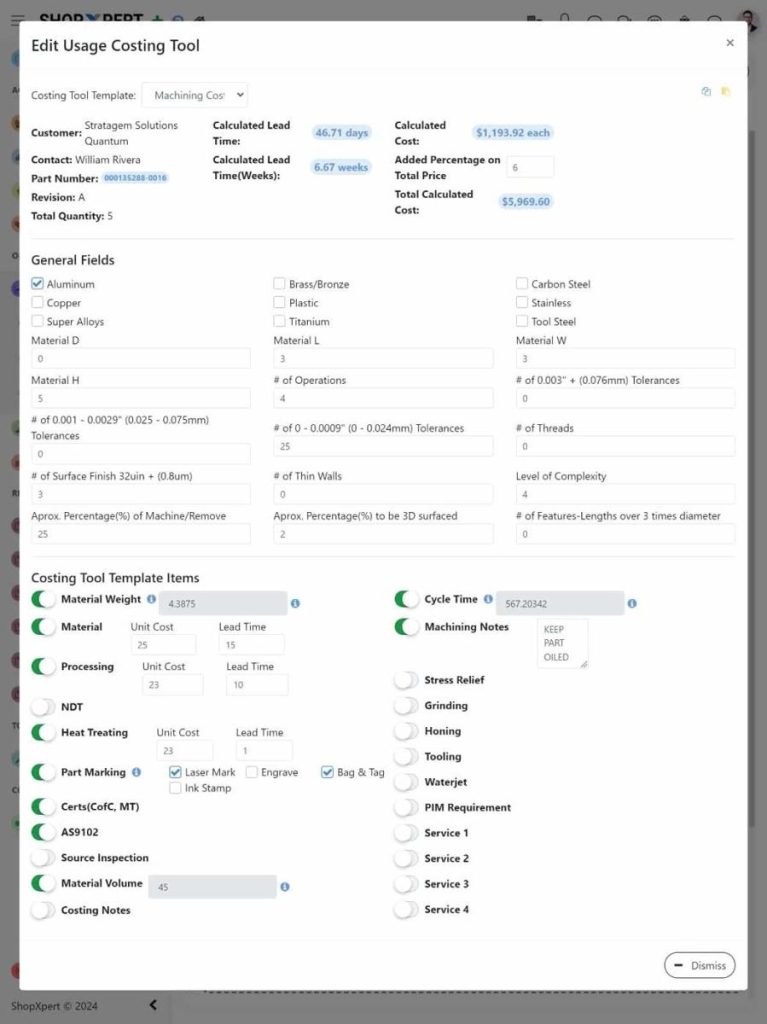
ShopXpert manufacturing ERP is built around the idea that the quote and the job should be the same record. You build estimates with costing tools that include materials, labor, outside processing, and overhead, using your own formulas and fields. Quote revisions and approval history are kept, and you can send a professional quote to the customer.
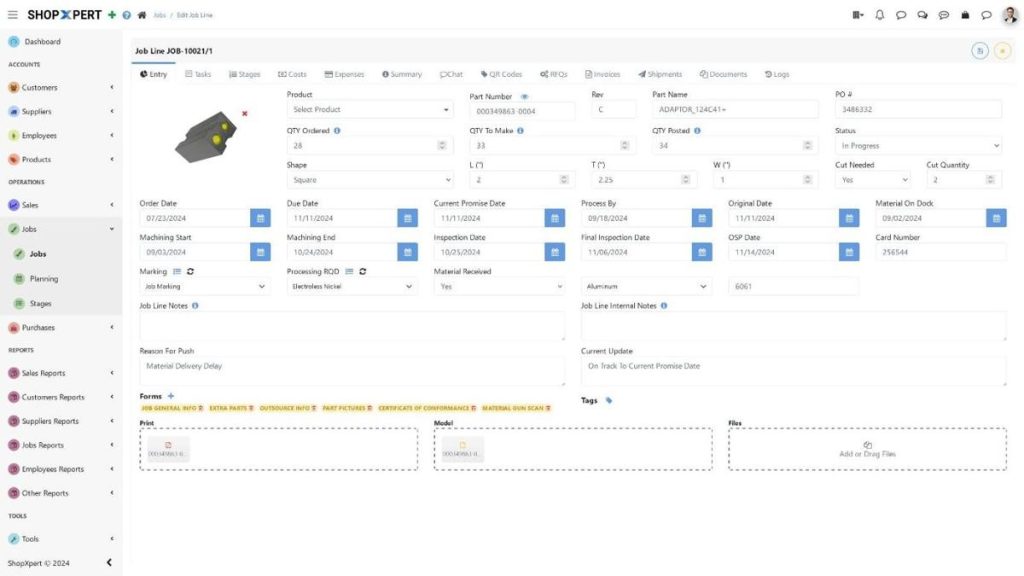
When the customer approves, the quote converts to a sales order and a routed job in one step, so nobody types the part, quantities, or prices again. As the job runs, operators record time at their workstation, material is issued to the job, and outside processing purchase orders are tied to the same record. That gives you estimate versus actual on every job, and that history is there when you quote the next similar part.
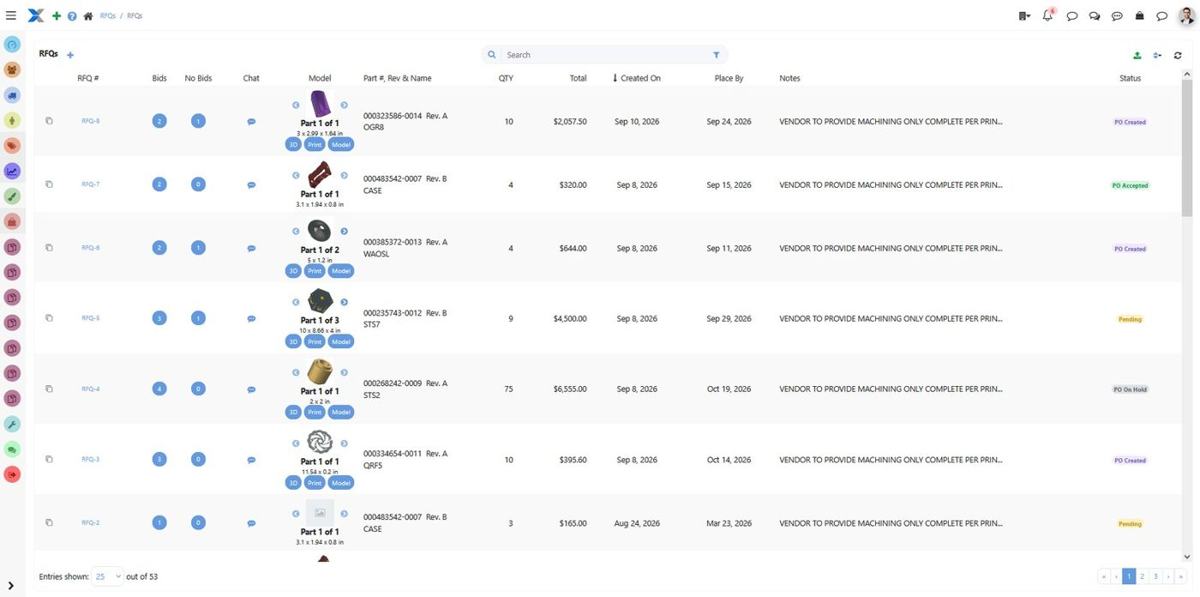
Purchasing lives in the same system too: you can create purchase orders from supplier RFQs, which helps when you need vendor prices for outside processing. Quoting is one part of the wider ShopXpert platform, which also covers production, maintenance, inventory, and quality.
Once a job is quoted and released, scheduling becomes the next challenge. Our guide to job shop scheduling software covers what to look for there. And if you are quoting in an older system today, the guide to switching manufacturing ERP explains how the move works.
See Your Own Quotes in ShopXpert
The best test of any estimating tool is a real RFQ from your shop. Book a ShopXpert demo and bring a recent quote with you, or call 810-SHOP-XPT, (810) 746-7978.