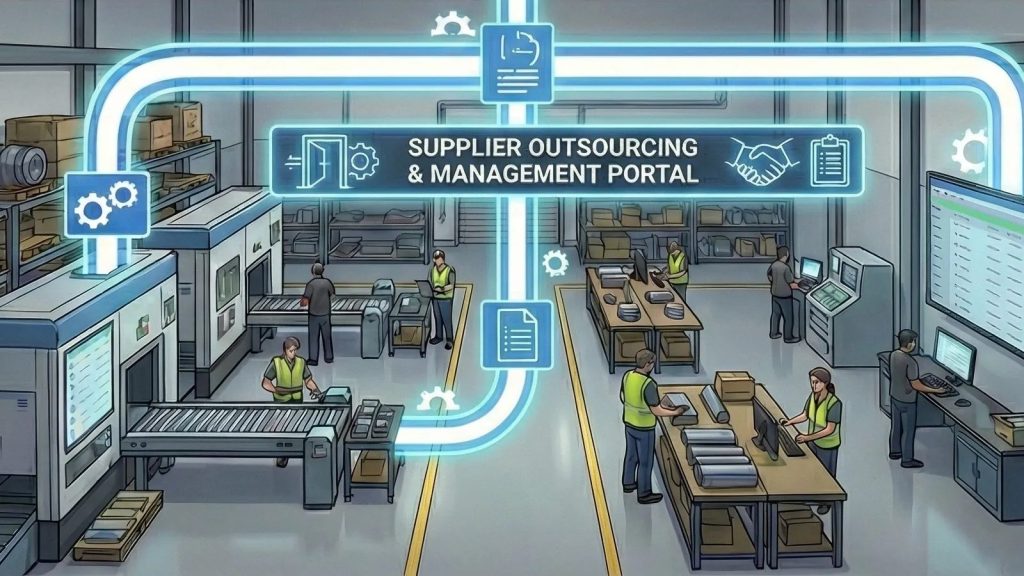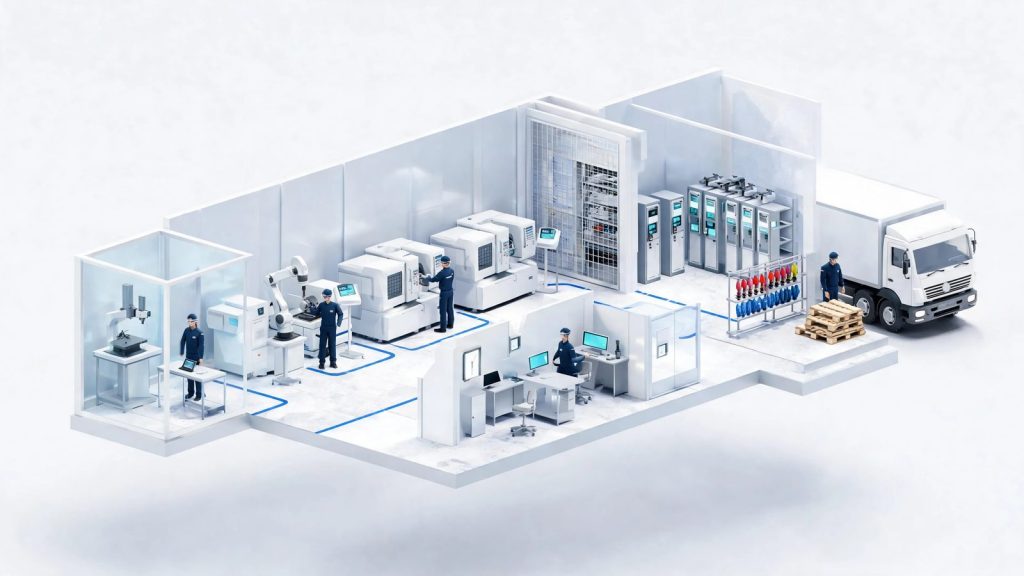
Ask a machine shop owner how many hours a job really took, and you will often get a pause. Hours are written on a paper timesheet on Friday afternoon, rounded to something that looks right, and keyed into payroll on Monday. Nobody can say how much of that time went to Job 1842 and how much went to the rush order that jumped the line on Wednesday.
That gap matters. Labor is usually one of the biggest costs on a job, and it is often the least accurately recorded. This guide covers what time tracking for a machine shop should actually do, the two kinds of time you need to capture, where paper and spreadsheets break down, and how to pick and roll out a system your operators will use.
Two Kinds of Time a Machine Shop Needs to Track
Most time tracking tools only handle one of these. A job shop needs both, and they need to agree with each other.
Attendance time
This is who was at work, when they clocked in, when they took breaks, and when they left. It drives payroll, overtime, and leave. It is also the record you fall back on when someone disputes a punch or a day off.
Job time
This is what each person worked on while they were there: which job, which operation, and for how long. It drives job costing, quoting, and scheduling. If your attendance record says an operator worked 8 hours, job time tells you where those 8 hours went.
When the two are recorded separately, they rarely match. Payroll shows 40 hours for the week, the job records add up to 31, and nobody knows where the other 9 went. Some of it was real indirect work, such as cleanup, meetings, and waiting on material. Some of it was simply never logged. Until both come from the same source, you cannot tell which is which.
Where Paper Timesheets and Spreadsheets Break Down
Paper works for a five-person shop with a handful of jobs. As the shop grows, the same problems show up again and again:
- Time is written from memory. The more days between the work and the entry, the more the numbers drift toward round figures.
- Payroll means retyping. Someone has to read handwriting, add up hours, and work out overtime by hand. Mistakes are easy and hard to trace.
- Buddy punching and missed punches. Handwritten corrections make attendance records hard to trust.
- Leave requests get lost. A request made by text or in the hallway is easy to forget, and approvals turn into arguments later.
- Job labor is a guess. The estimate said 6 hours of milling. The actual number lives in someone’s head, so the next quote starts from the same guess.
What to Look For in Time Tracking Software for Machine Shops
Generic time clock apps cover attendance and stop there. For a shop that quotes and runs jobs, look for these capabilities.
Badge or card clock-in
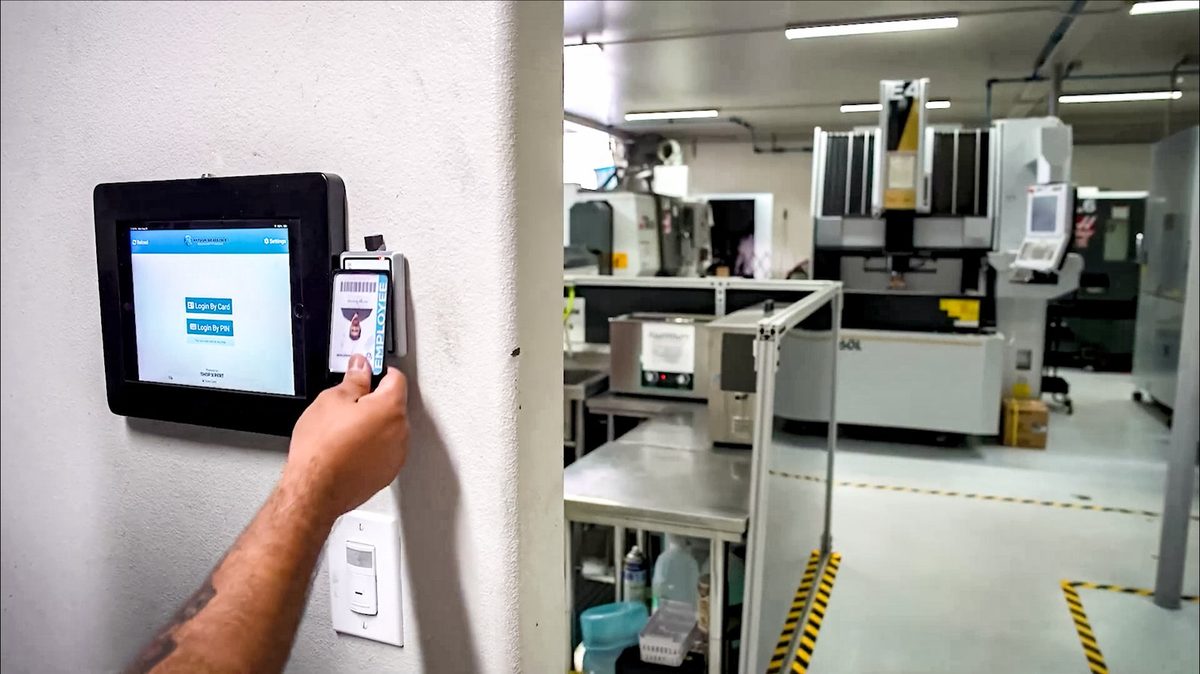
Typing a PIN or signing a sheet invites buddy punching and missed punches. A badge scan at a tablet by the door is fast for employees and leaves a clean record.
Break, shift, and leave handling
Your system should know about lunch breaks, shift start times, and late arrivals, and it should handle paid, sick, and unpaid leave with an approval trail. If managers still approve leave verbally, you have only moved the problem.
Overtime and pay reports
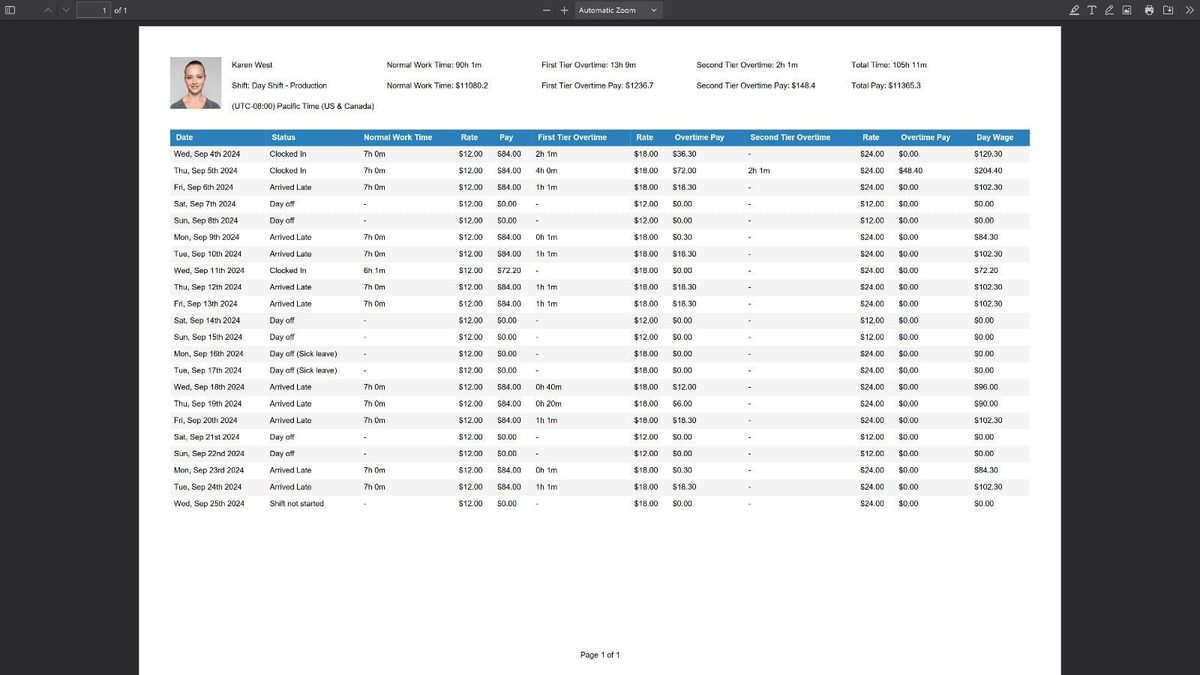
Look for reports that split normal time from overtime, apply the right rates, and export in a format your payroll person can use. Ask whether the system handles more than one overtime tier if your shop pays them.
Job time captured at the workstation
This is the one that separates a machine shop tool from a generic one. Operators should be able to log in at the machine, open the job, and start and stop a timer on a task. If recording job time takes more than a few seconds, it will not get done on a busy day.
A direct line to job costing
Job time is only useful if it lands somewhere. The best setup sends labor straight into the job record, so you can compare estimated hours to actual hours while the job is still running. If you have to export a spreadsheet and match it by hand, you will stop doing it within a month.
Questions to Ask Before You Choose a System
- Can employees clock in with a badge, and what hardware does that take?
- How do operators record time on a job, and how many taps does it take?
- Does job time flow into job costing automatically, or do we export and match it?
- How are overtime tiers, rates, and leave balances handled?
- Can employees see their own hours and request leave without coming to the office?
- Can managers see who is clocked in, on break, or late right now?
- Does it live in the same system as jobs, scheduling, and maintenance, or is it another login?
Ask the vendor to show you a full day for one operator, from the badge scan in the morning to the last task of the shift. Watch for any step where the operator has to stop working to feed the system.
How to Roll Out Time Tracking Without a Revolt
Operators sometimes read time tracking as surveillance. How you introduce it decides whether it works.
- Explain the why. Better time data means better quotes, fairer schedules, and fewer arguments about hours. Say that plainly, and then follow through.
- Start with attendance, then add job time. Get everyone comfortable with the badge first. Add workstation timers once the clock-in habit is solid.
- Pick one department. Let milling or turning go first, fix what is awkward, and then expand.
- Be clear about indirect time. Cleanup, meetings, and waiting for material are real. Decide how they get recorded so operators do not feel they have to hide them.
- Retire the paper on a set date. Running paper and software together for too long means nobody trusts either.
- Review the numbers together. Share estimated versus actual hours with the team. When operators see the data being used to quote better, buy-in follows.
How ShopXpert Handles Time Tracking
ShopXpert has been building shop management software for machine shops since 2020, and time tracking is part of the same system that runs your jobs. Its workforce and time tracking covers both kinds of time described above.
- RFID badge clock-in. Employees badge in, start a break, and clock out at a time clock tablet by the door, which runs on a single PoE cable.
- Live attendance. Managers see who is clocked in, on break, late, or on a day off.
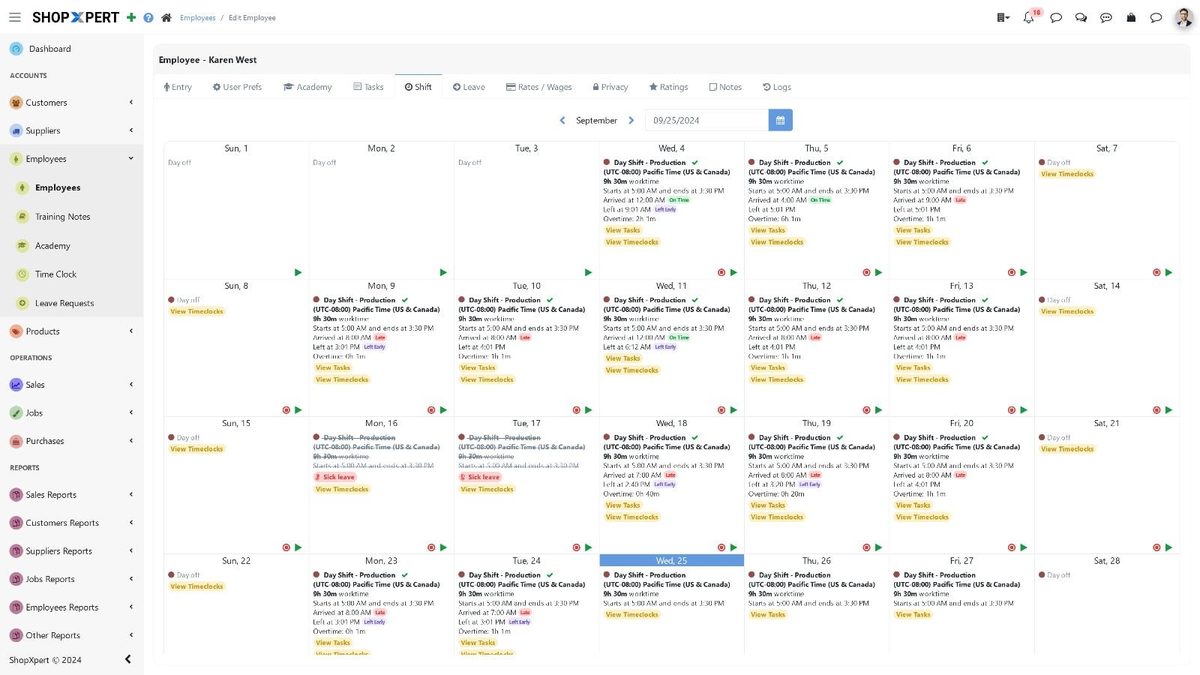
- Shifts and leave. A shift calendar, plus paid, sick, and unpaid leave requests that managers approve or reject with history and balances in view.
- Employee Portal. Employees check their own hours, overtime, schedule, and leave status without a trip to the office.
- Job time at the workstation. Operators log in with a badge, open the job by card or serial number, and start and finish stages and tasks with a running timer.
- Time reports. Normal time, first and second tier overtime, rates, and total pay by employee, exportable as PDF.
Because job time feeds quoting and job costing, you can compare estimated and actual labor on every job and use that history on the next quote. It also connects to production management, where jobs, tasks, and workstation queues live, and to the rest of the ShopXpert platform.
If you want to see how labor numbers turn into margins, read our guide on job costing in manufacturing, and see how better labor data sharpens estimates in how to quote CNC machining jobs.
See It With Your Own Shifts
The best test of any time tracking system is a normal day in your shop. Book a ShopXpert demo and bring your current timesheet, your overtime rules, and one job where the hours never added up.