
Employee Portal Device Enrollment
Employee User Guide
ShopXpert Employee
- First step is to enroll the new device in Organization.
- Second step is to enter the token (6 characters – generated when the device is added in organization). The device’s token can be found in ShopXpert Web – Device Enrollment page.
- If the token is correct, the device will be activated and the App will be redirected to the Home page.
- Button to Activate Device will be enabled after the token is completed.
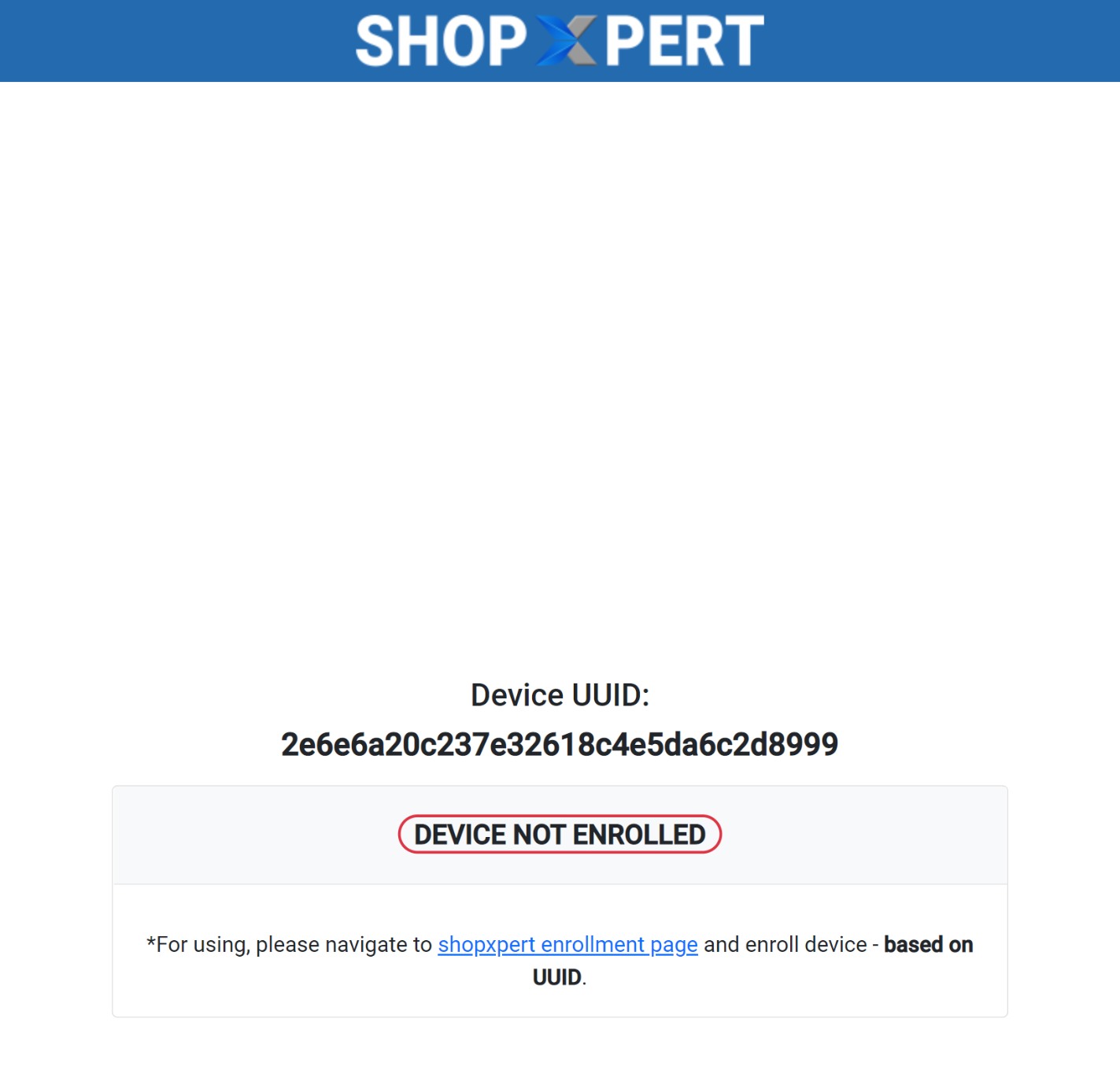
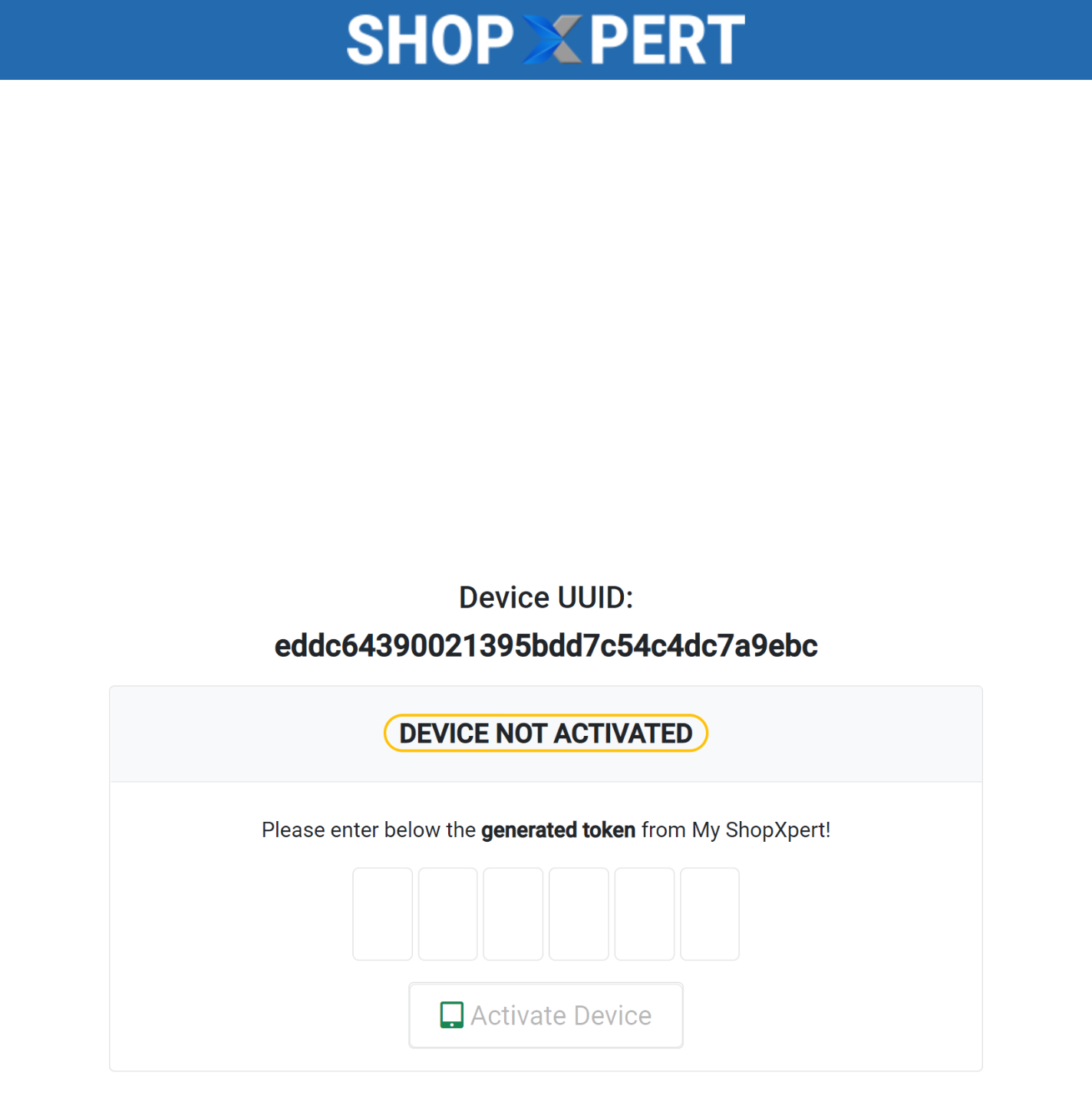
- Authentication based on device token.

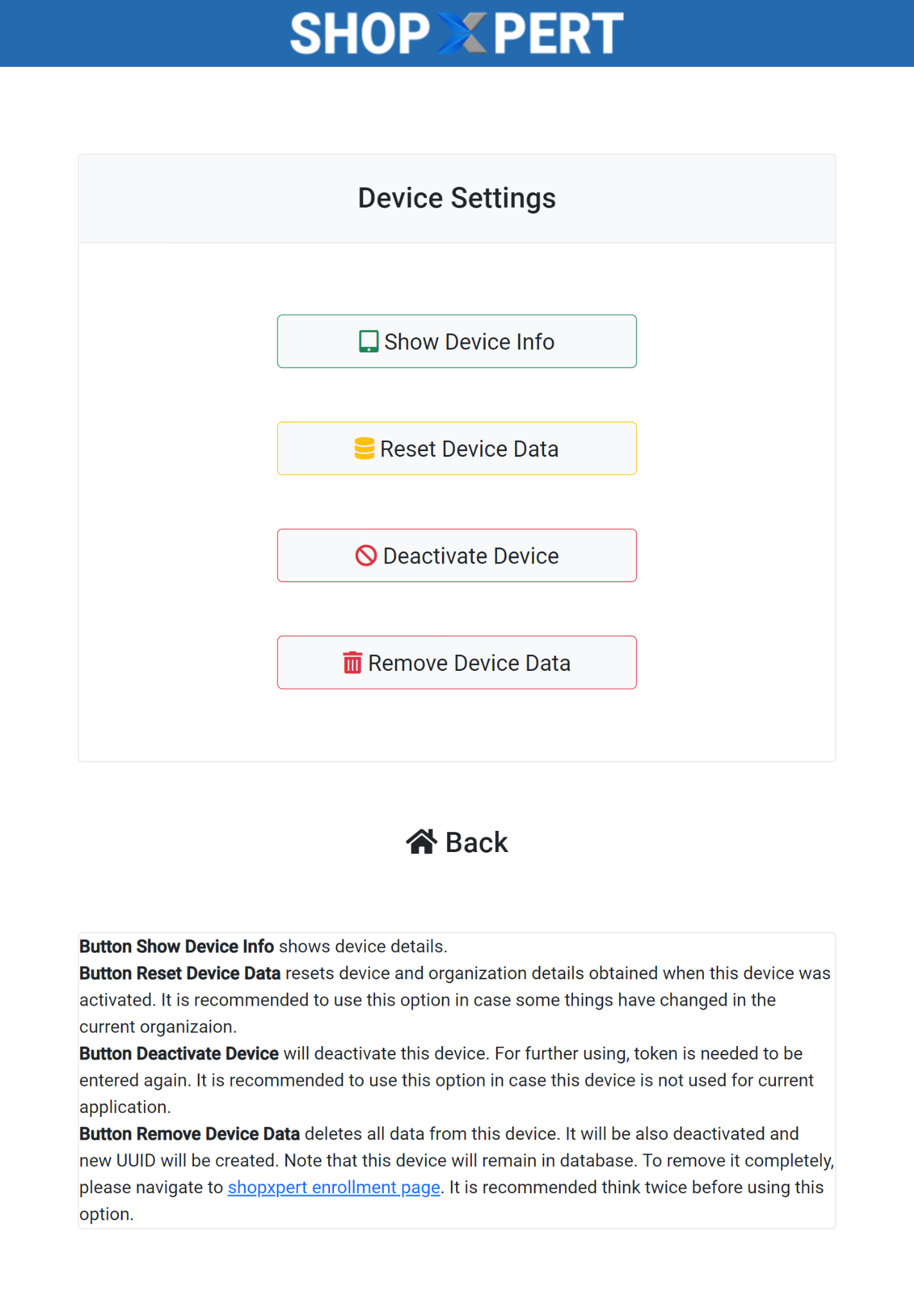
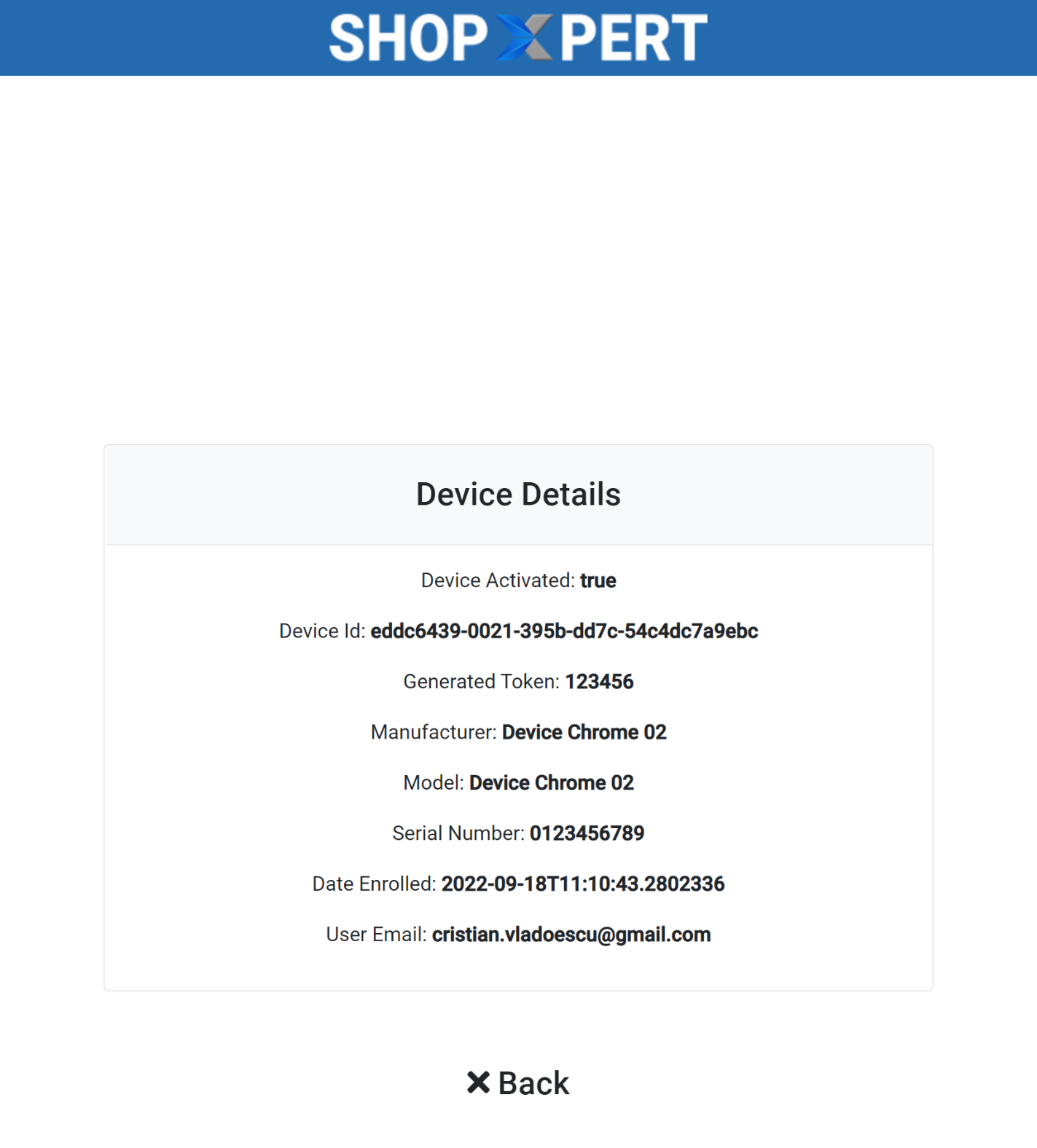
Was this article helpful?
Still stuck?
Ask Tessa in chatEmail supportTessa can point you to the right guide, or bring in a ShopXpert teammate.