
Add Card & Select Modules
Follow below tutorial for understanding how to upgrade to different modules.
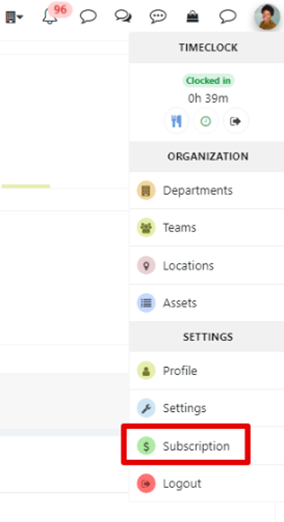
- Navigate to the profile menu
Go to the Subscription area where you can choose the modules you want.
- Find the ‘Add Card’ Option
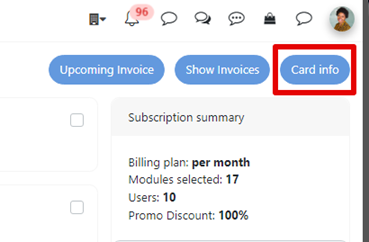
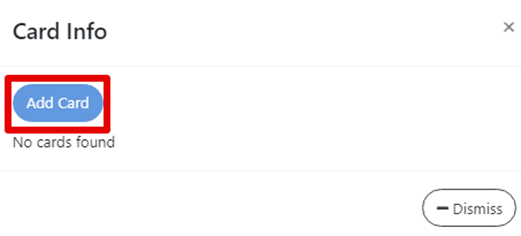
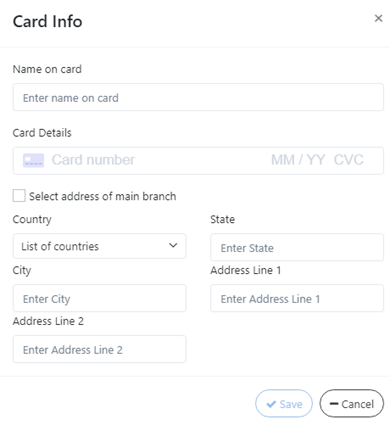
Look for a button labeled “Card Info”, click on “Add card” and add your card info and save it in the app.
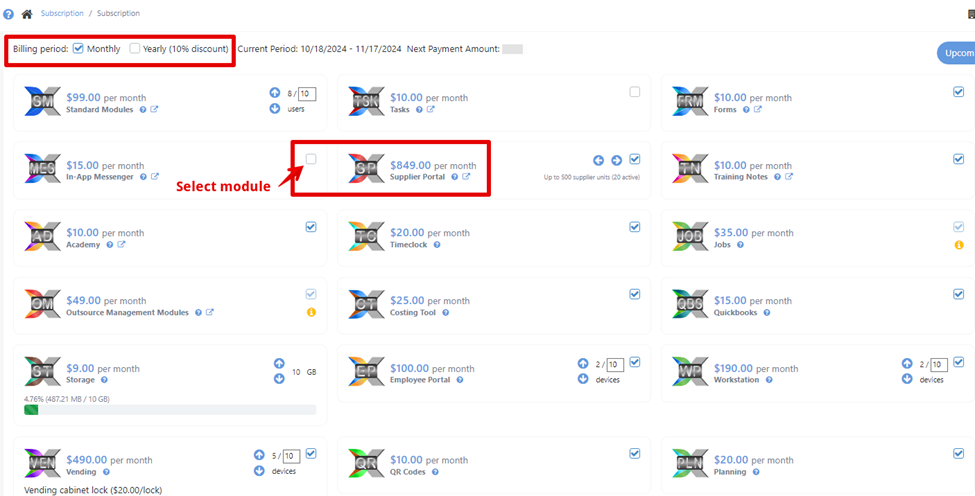
- Select Modules
Once in the ‘Add Card’ interface, you’ll typically see a list of available modules you can choose for your subscription. Check the boxes for the modules you’d like to add to your card. Also you can choose to pay monthly or yearly after the free trial ends.
Was this article helpful?
Still stuck?
Ask Tessa in chatEmail supportTessa can point you to the right guide, or bring in a ShopXpert teammate.