The ERP That Gives Manufacturers Full Shop Floor Visibility.
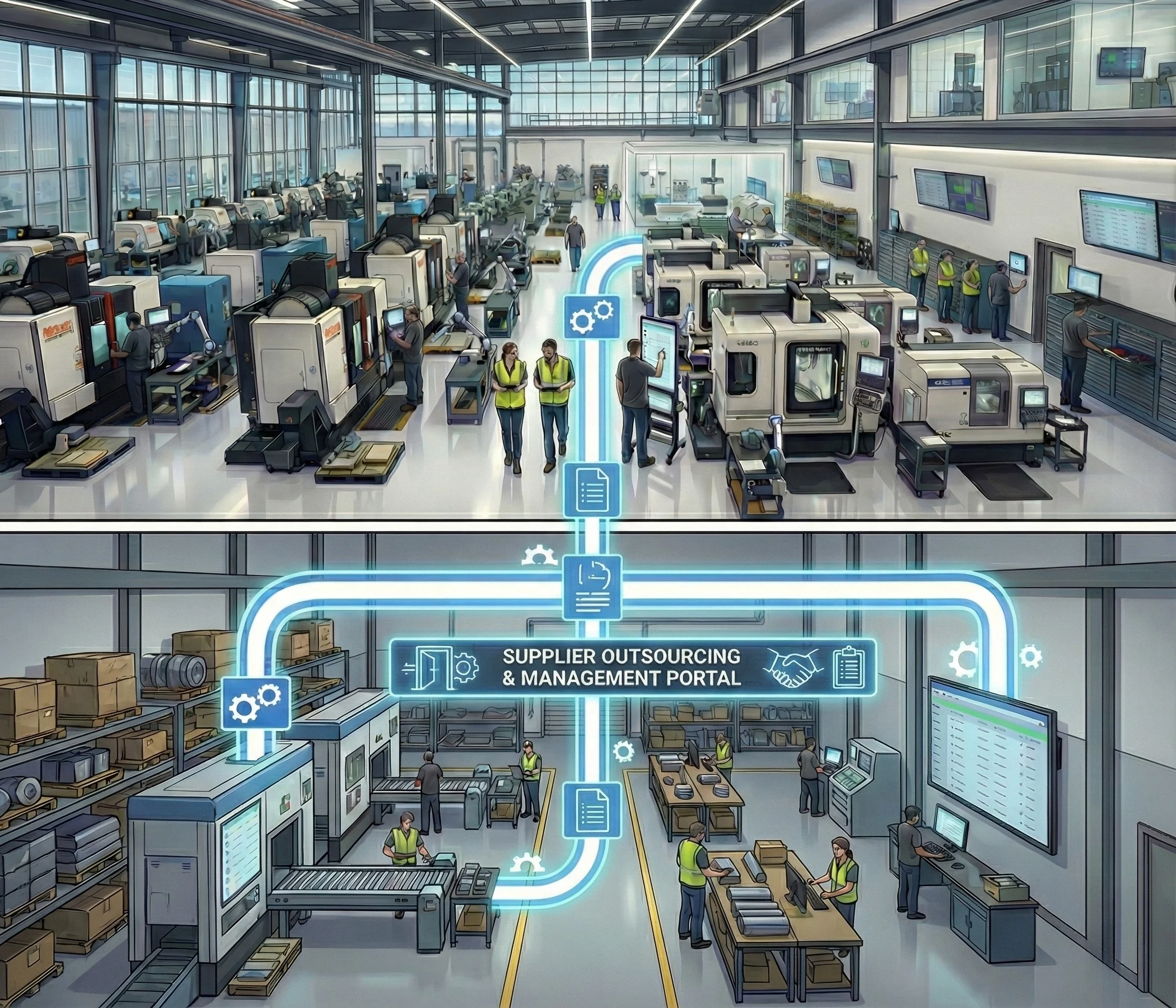
Reduce lead times, end miscommunication between departments, and hit your delivery dates. Scroll through one day on a connected shop floor and see where ShopXpert fits, from clock-in to supplier delivery.
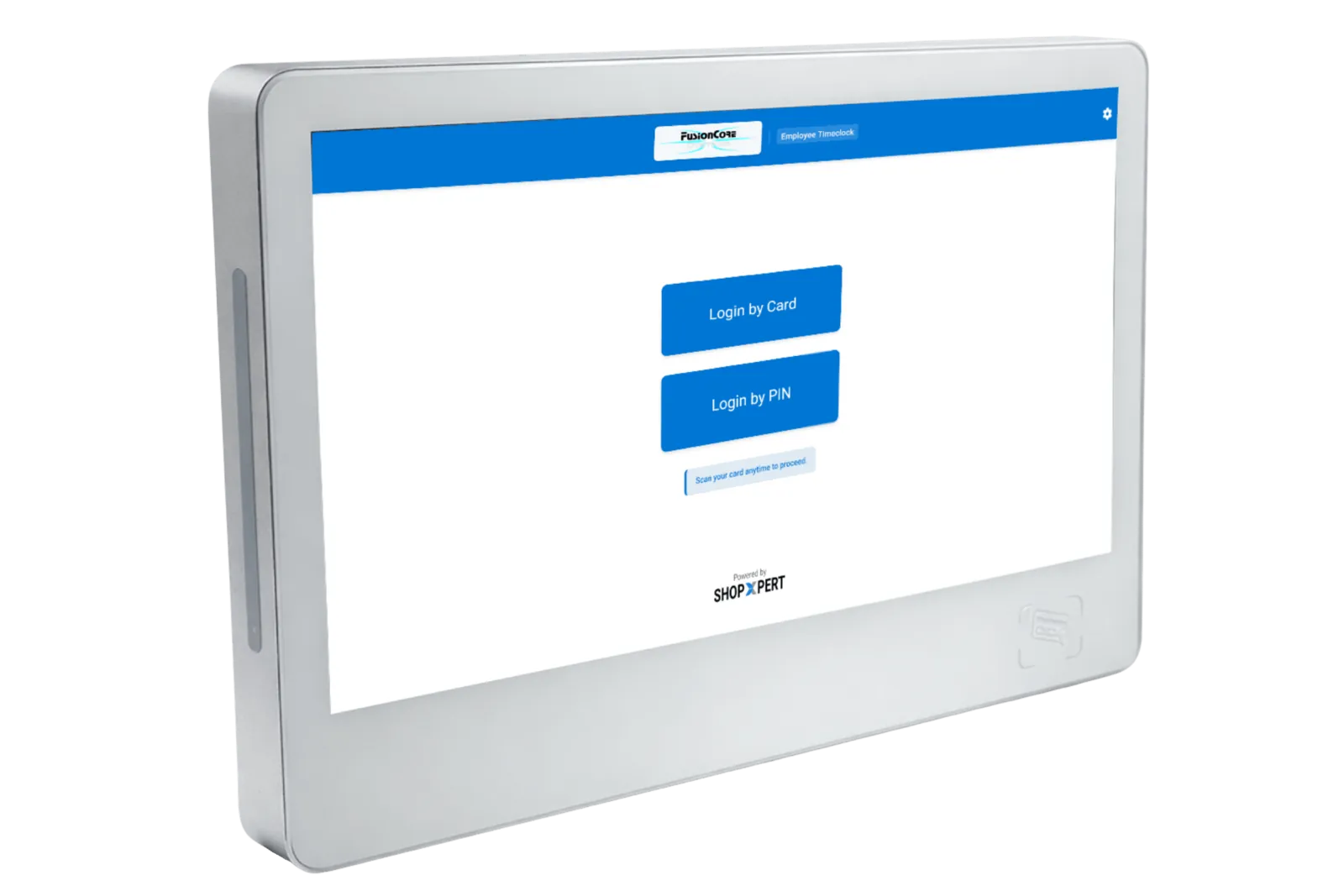
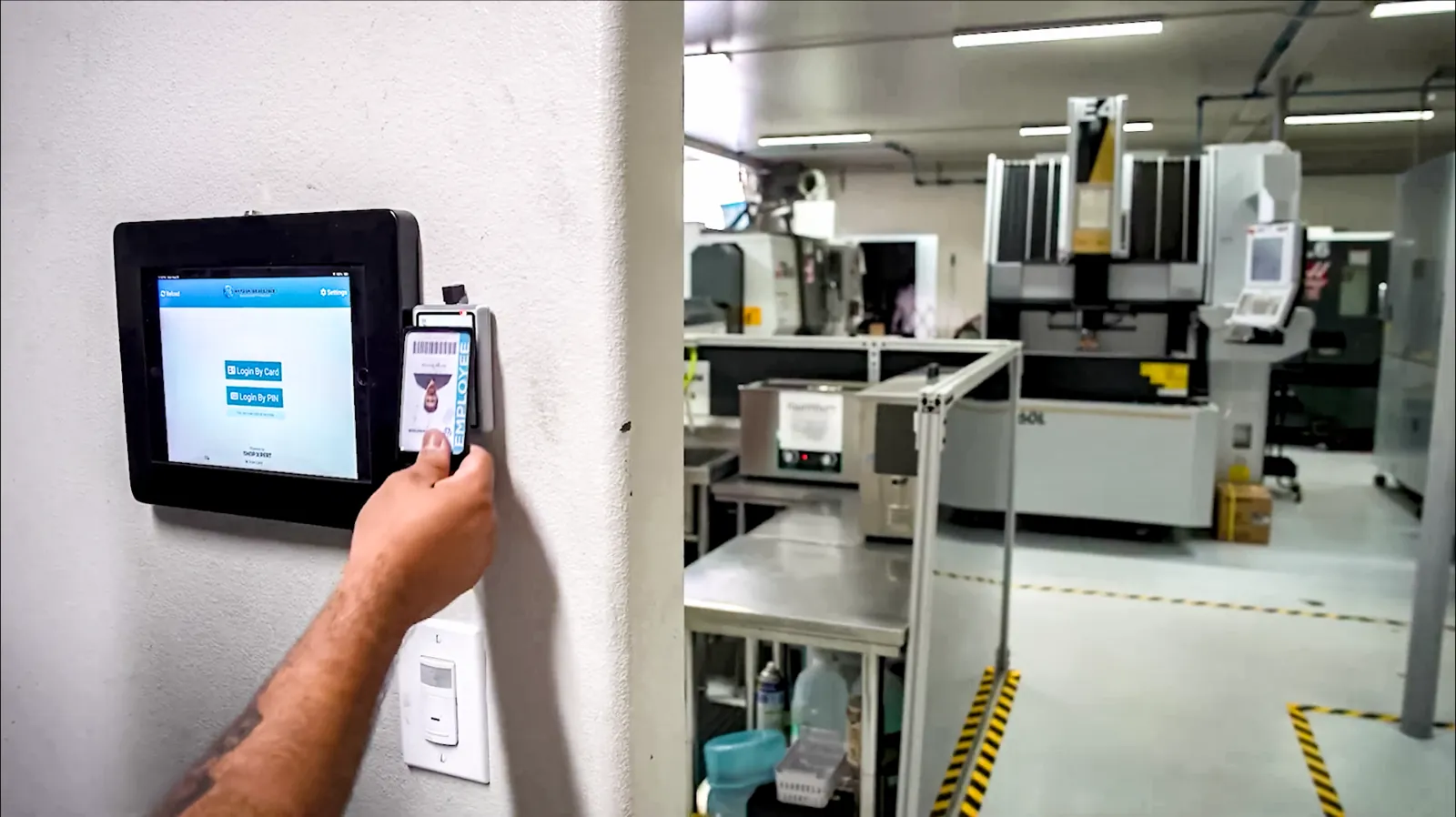
Employees clock in, clock out, and register time against jobs from a TimeClock tablet on the shop floor. It is built into ShopXpert, so there is no separate time tracking software.
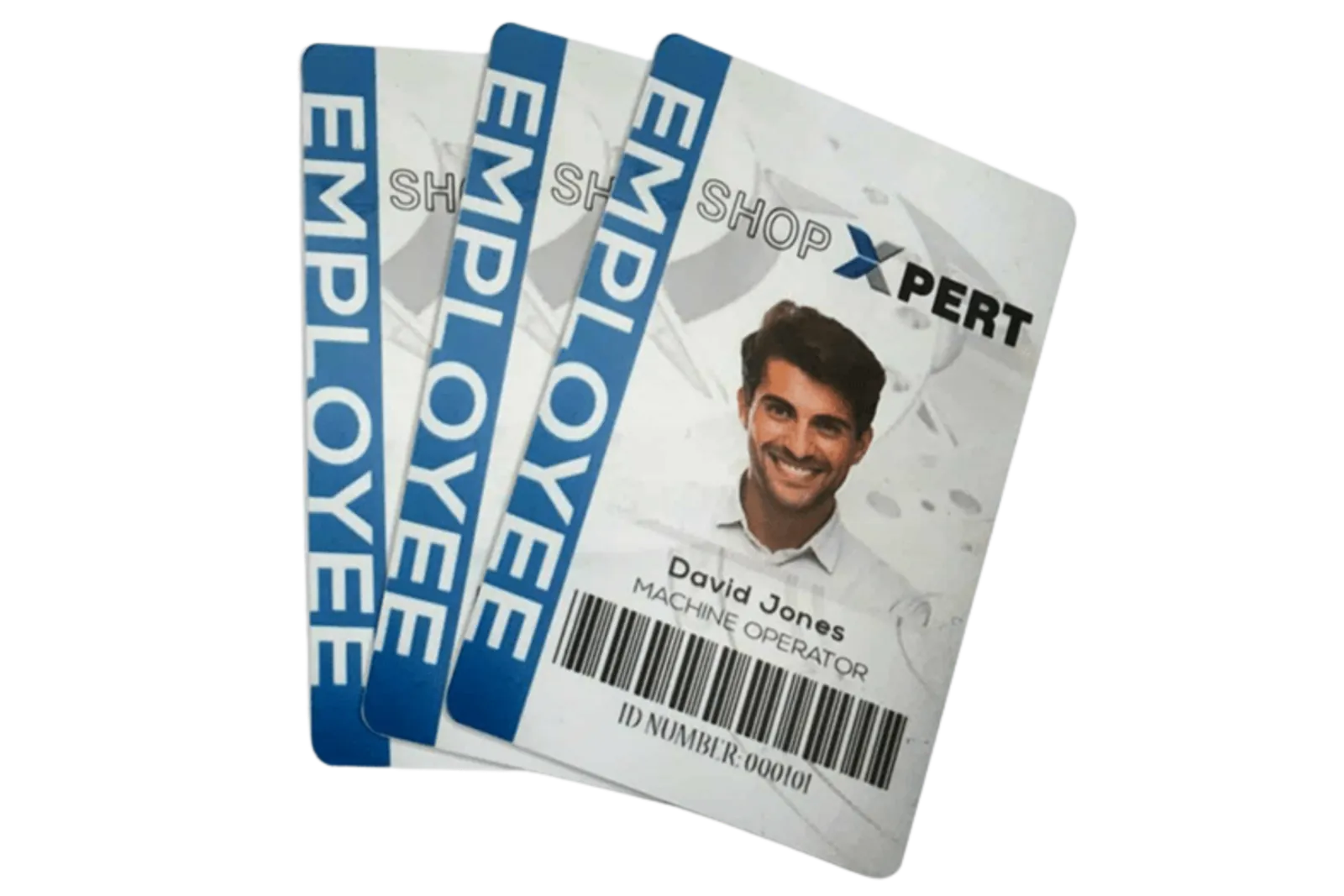
Clock in and out in seconds with a personal RFID badge
Register time on jobs and operations, switch tasks, and log breaks
Labor data lands in ShopXpert right away, with no manual entry
Do I need to connect another time system?
No. The Time Clock is part of ShopXpert, so time data is already in the ERP.
How is the TimeClock tablet powered?
It runs on Power over Ethernet, so a single cable carries power and data.
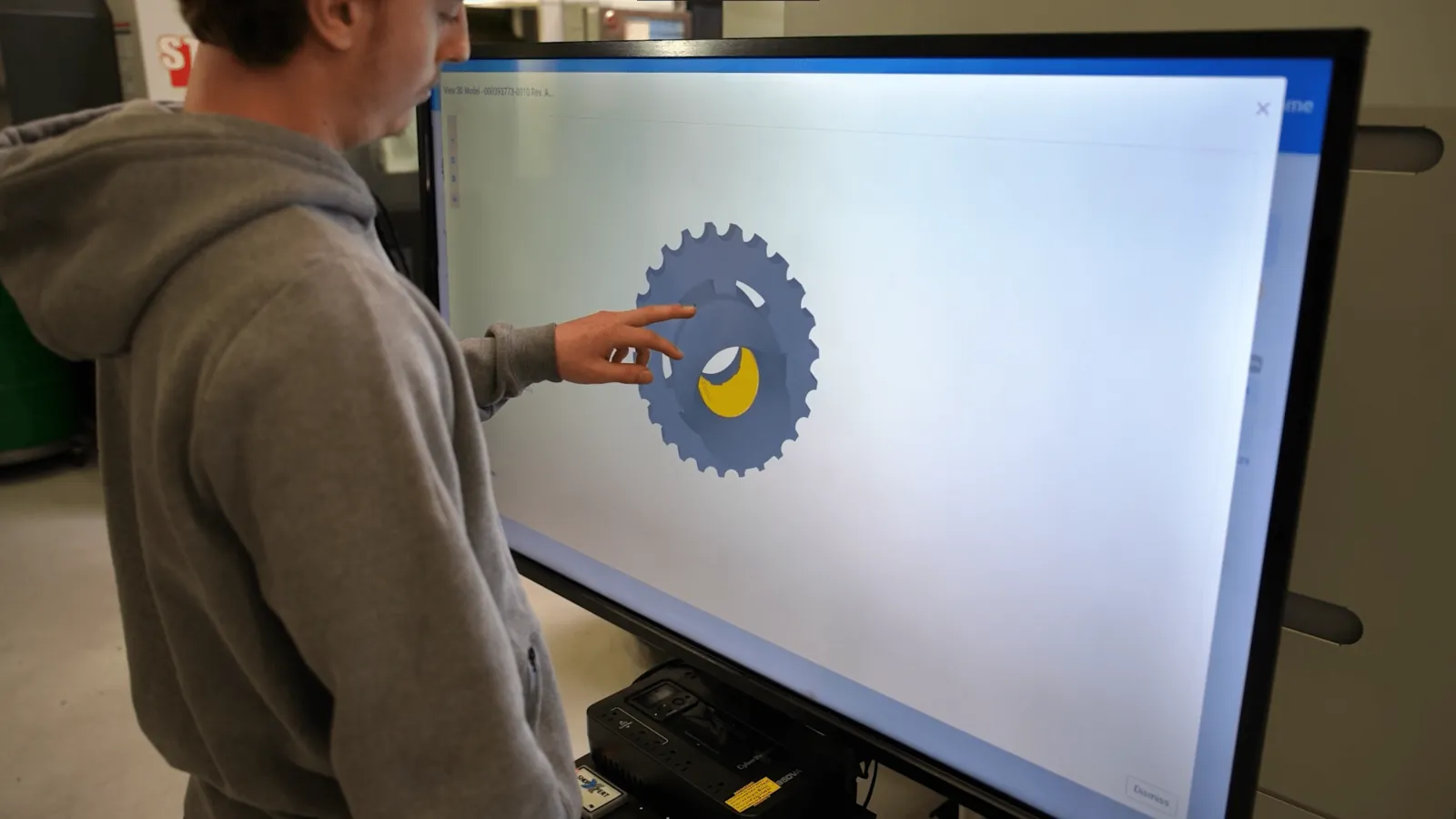
Rotate and inspect 3D models on a large touch screen.
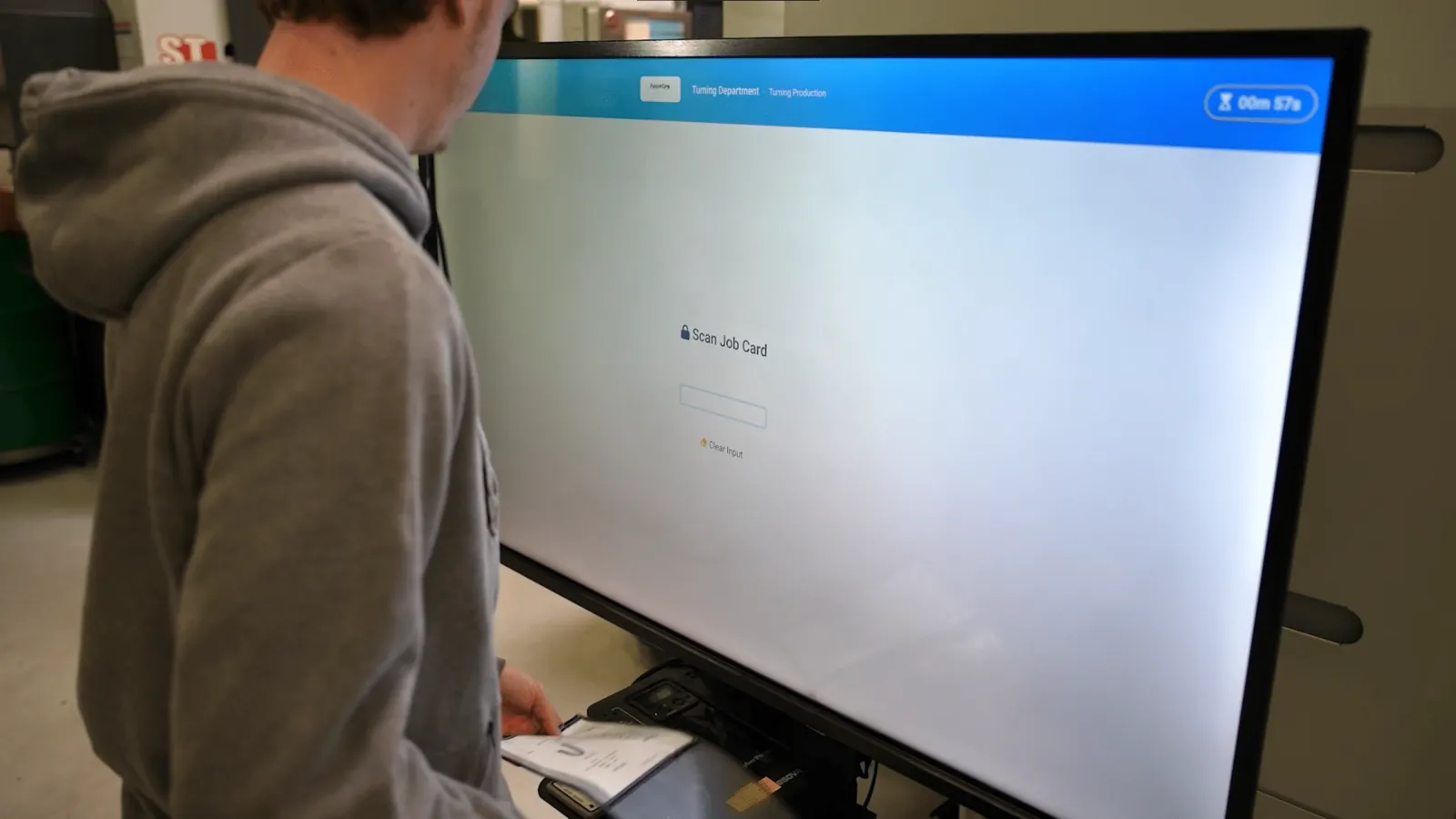
A 43-inch touch screen on a mobile stand, with an RFID reader. Operators scan a job card to open the job, drawings, tasks, and forms, and can rotate and zoom 3D models.
Scan a job card or badge to open the right job
Rotate, zoom, and inspect 3D models and drawings
Moves where it is needed, on a wheeled stand
Can it show 3D models?
Yes. Operators can rotate and zoom models on the touch screen.
Does it work at reception too?
Yes. The 43-inch screen also works as a front-desk screen.
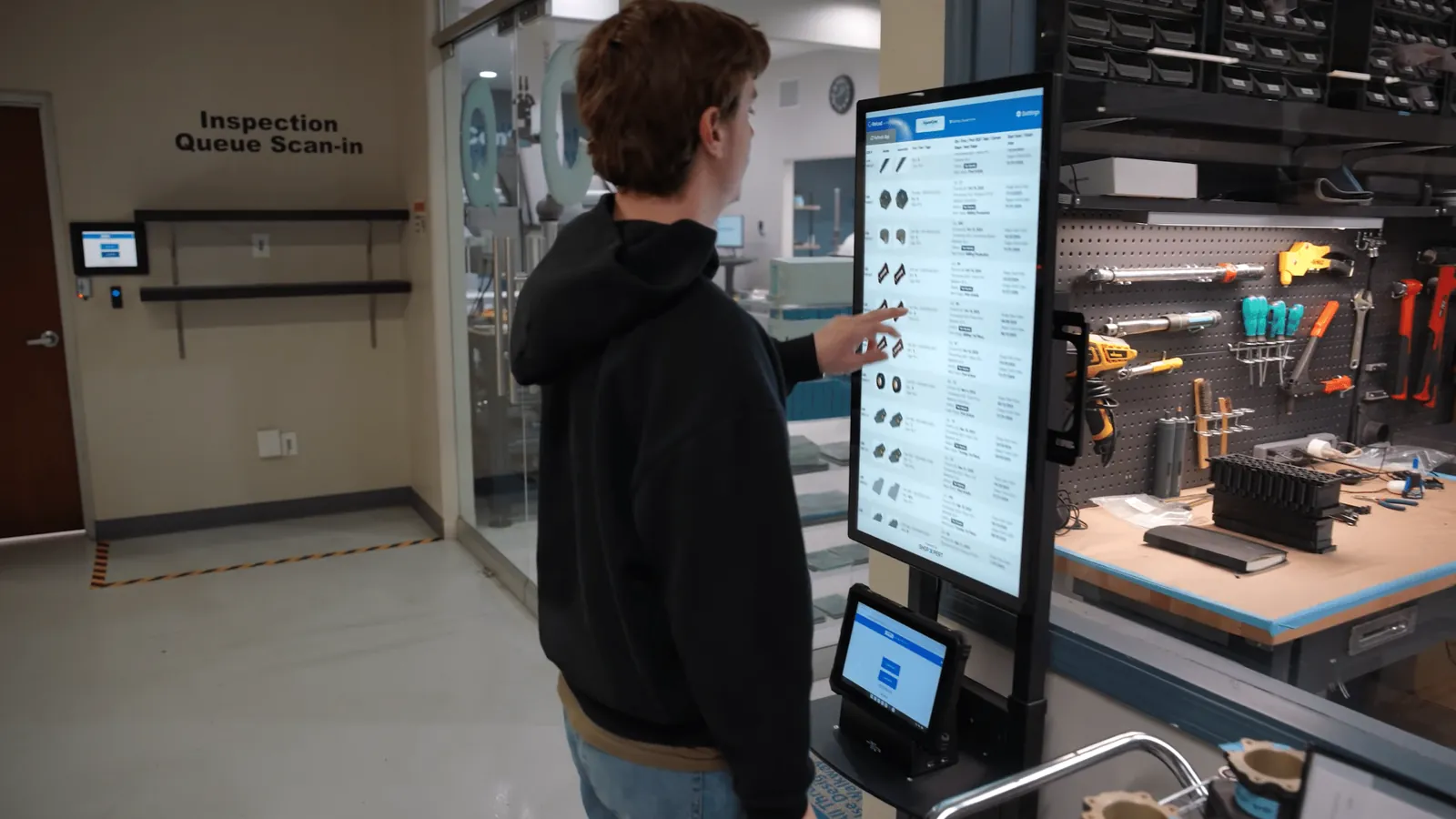
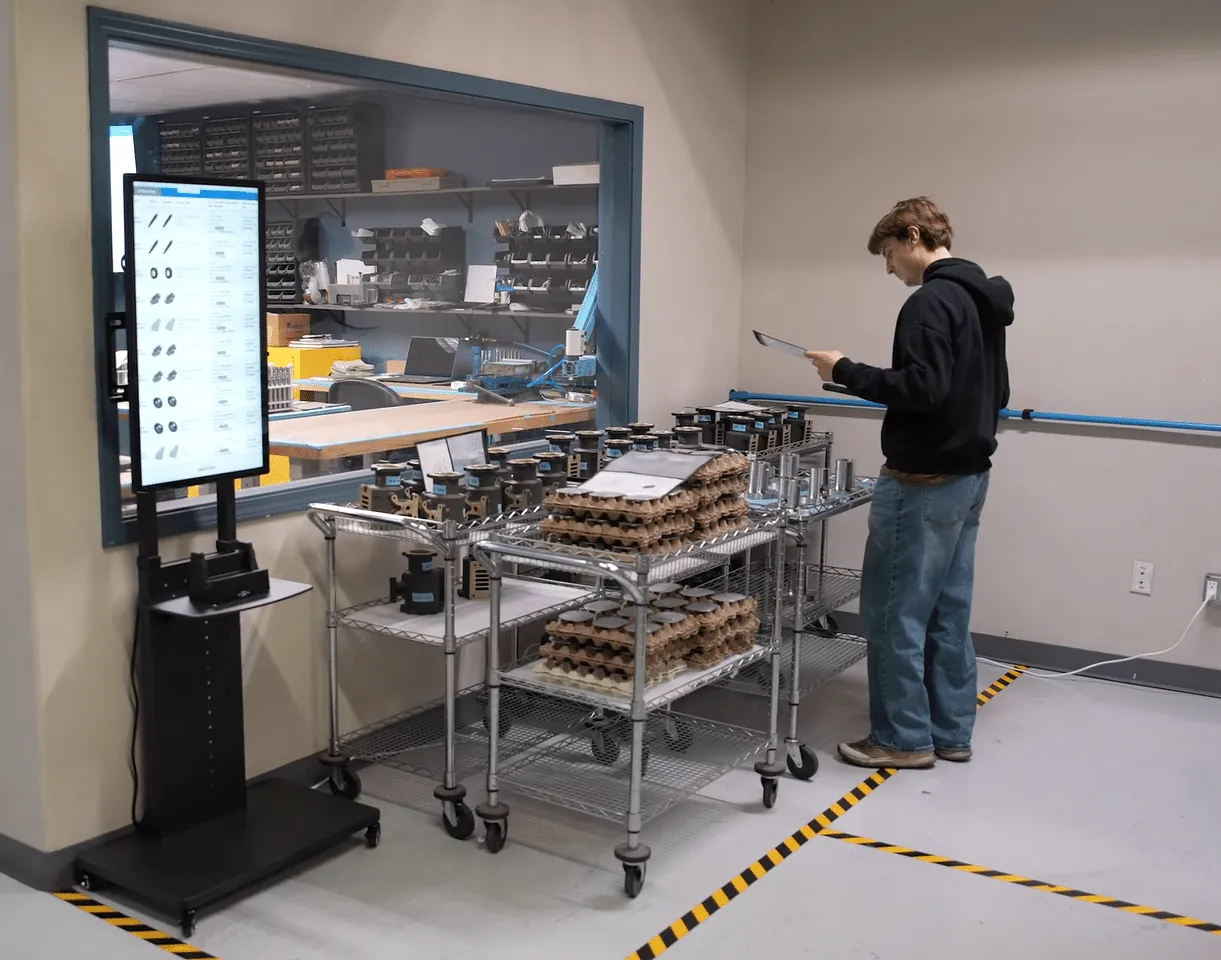
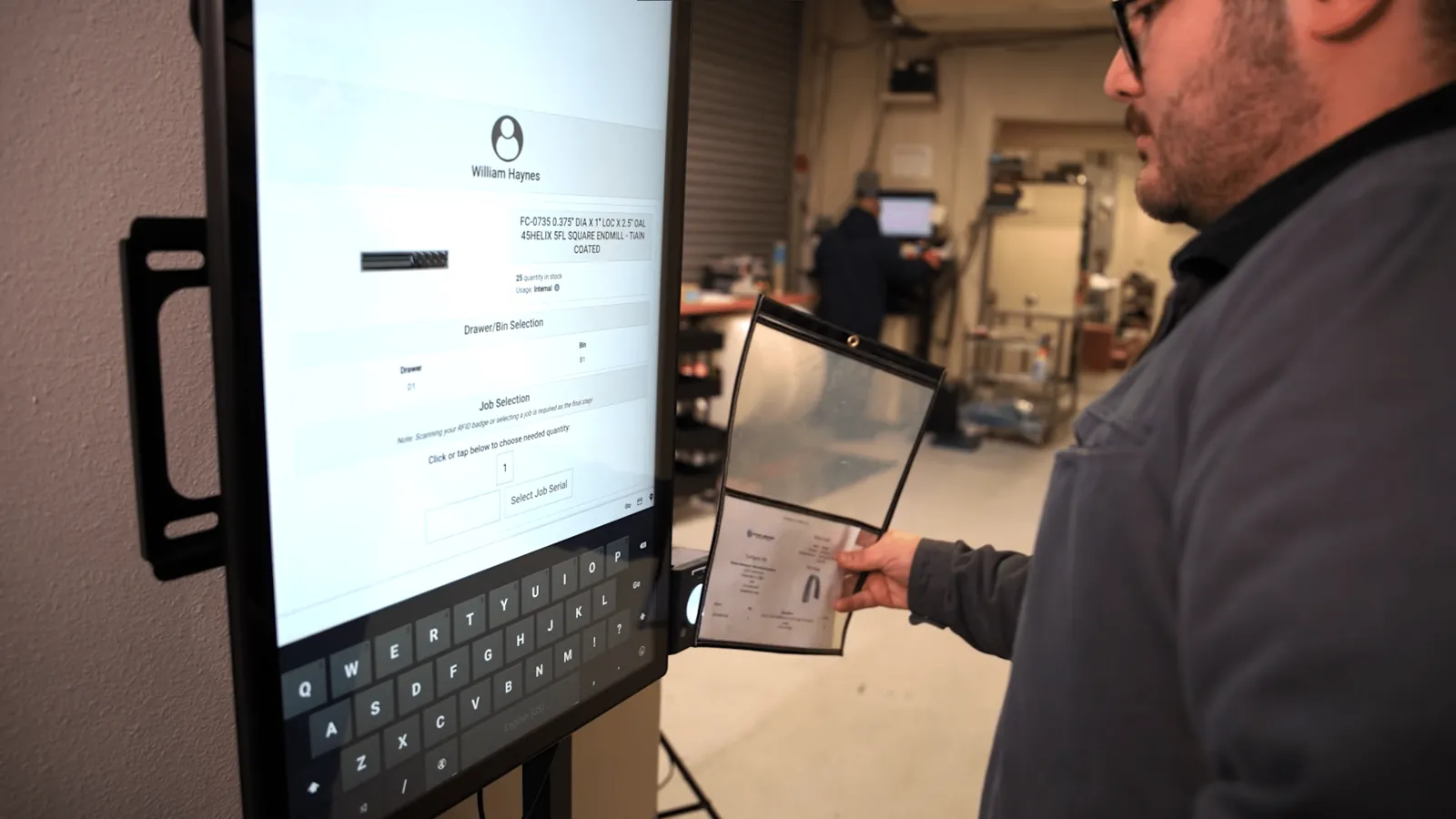
A 32-inch touch screen on a stand, with an RFID reader. Operators scan their traveler and the right job, drawings, and work instructions open in the ShopXpert Workstation view.
Scan the traveler to open the correct job and workstation
Large enough to read drawings and work instructions
Changes sync in real time, so everyone works from the latest version
How do operators open a job?
They scan the traveler with the RFID reader and the job opens.
Is it built for the shop floor?
Yes. It is designed for daily use in manufacturing environments.
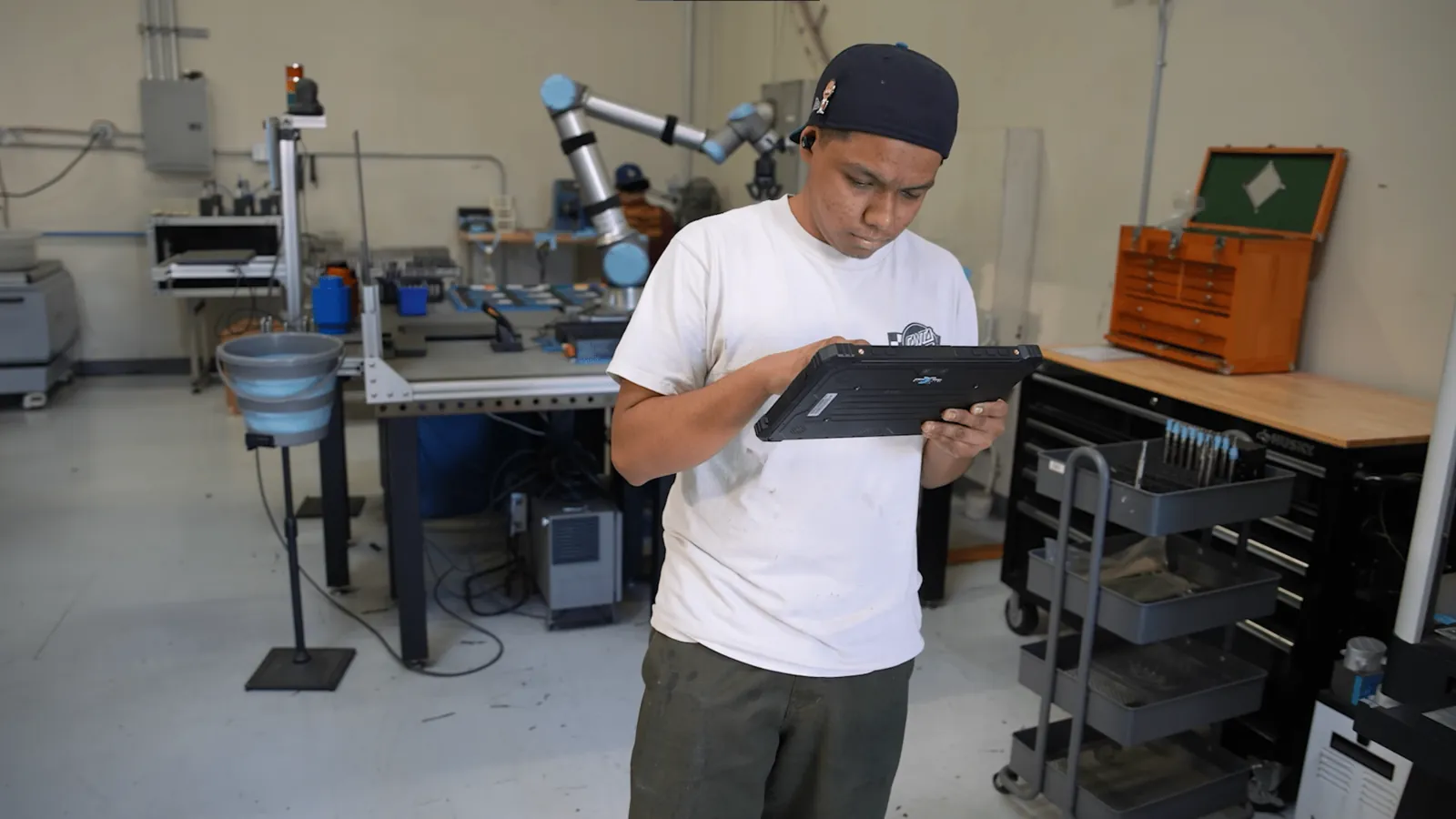
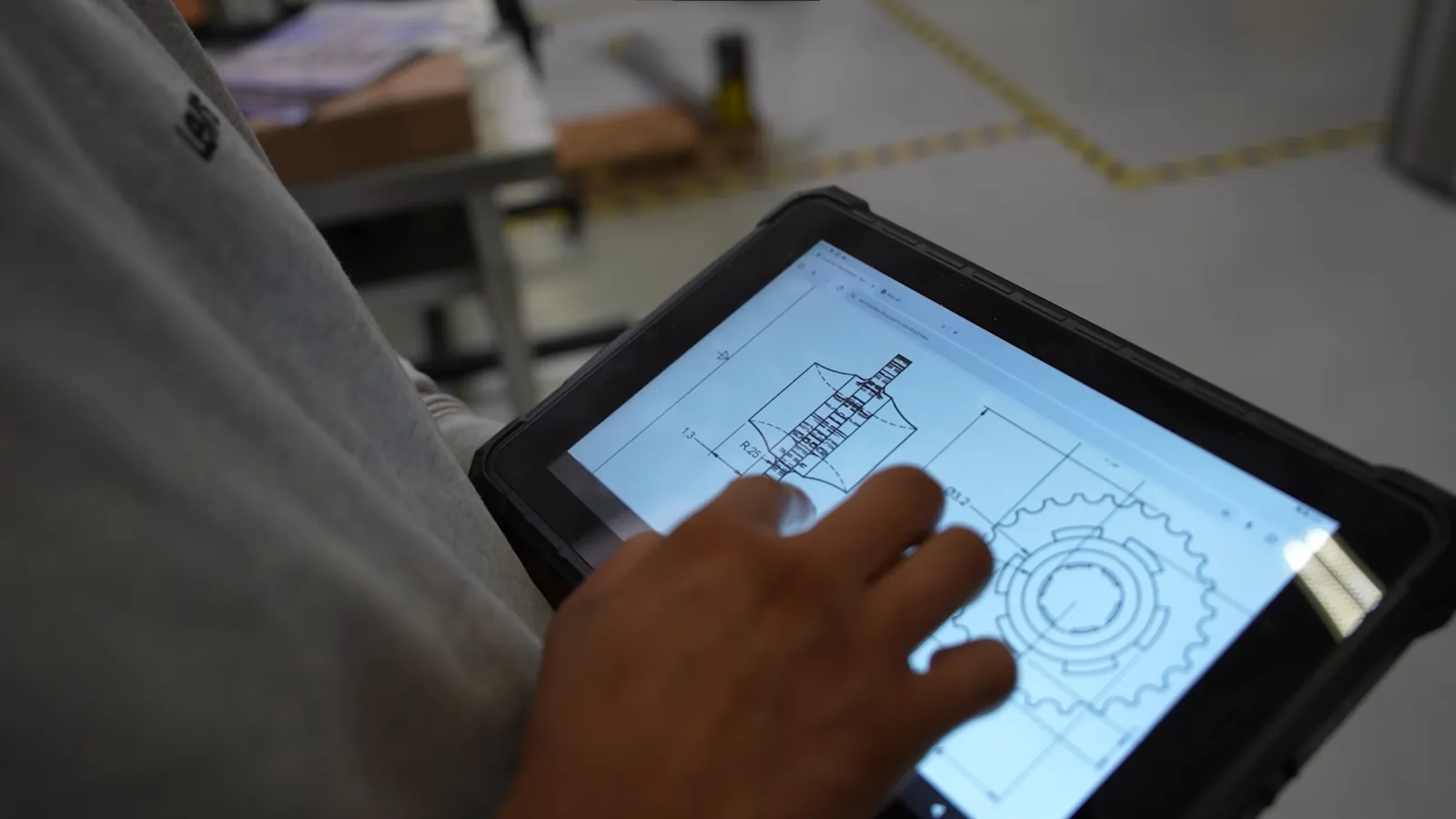
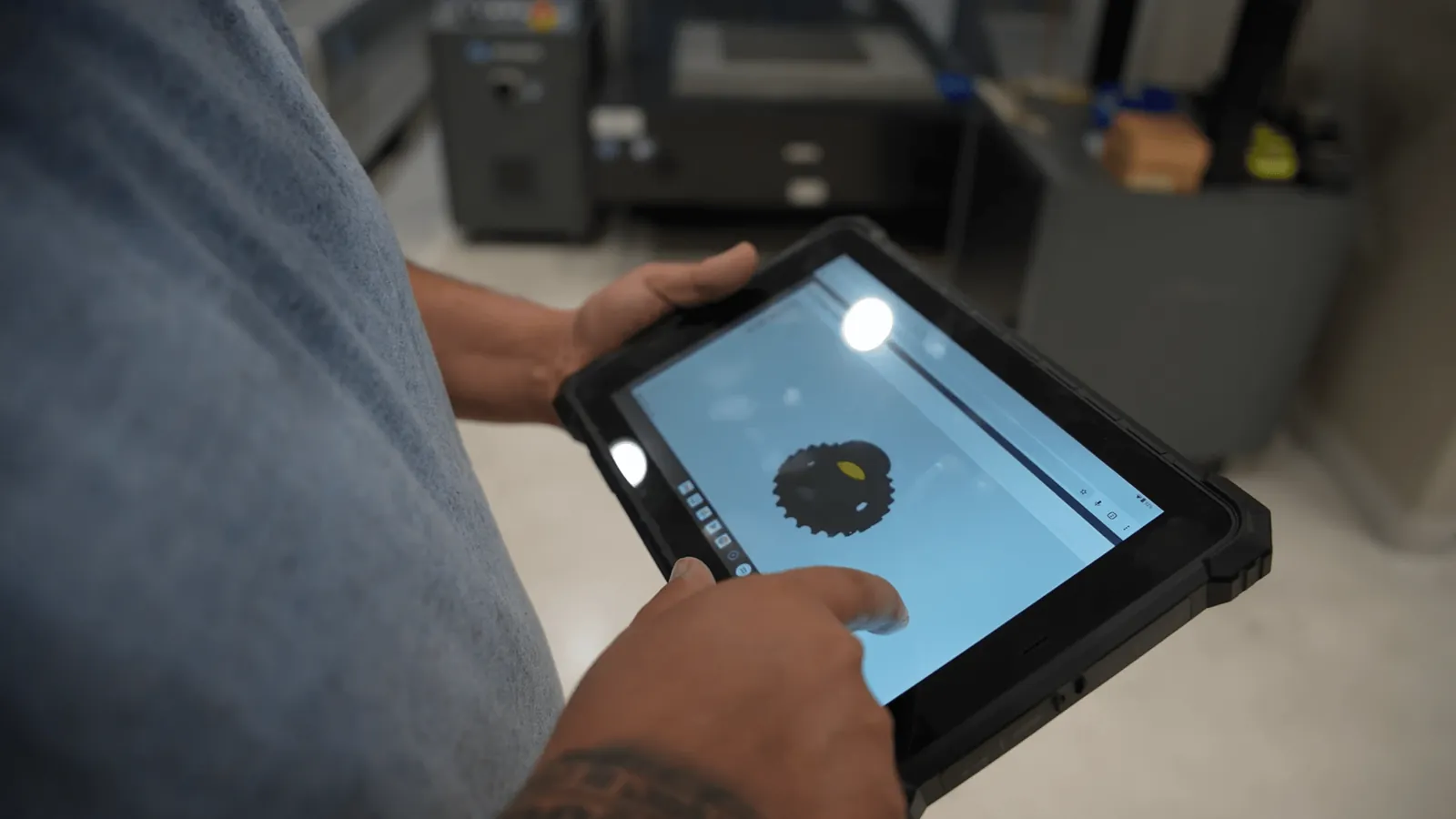
The waterproof tablet handles water, dust, and drops, and connects straight to the ShopXpert Workstation module, so drawings and 3D models are available wherever the work is.
Built for water, dust, and drops
Open 2D drawings and 3D models on the device
Connects to the Workstation module with no extra software
Is there a docking station?
Yes, as an optional add-on.
Do drawings update in real time?
Yes. Drawings and models sync with the Workstation module.
Badge-controlled doors for tool cribs and stockrooms.
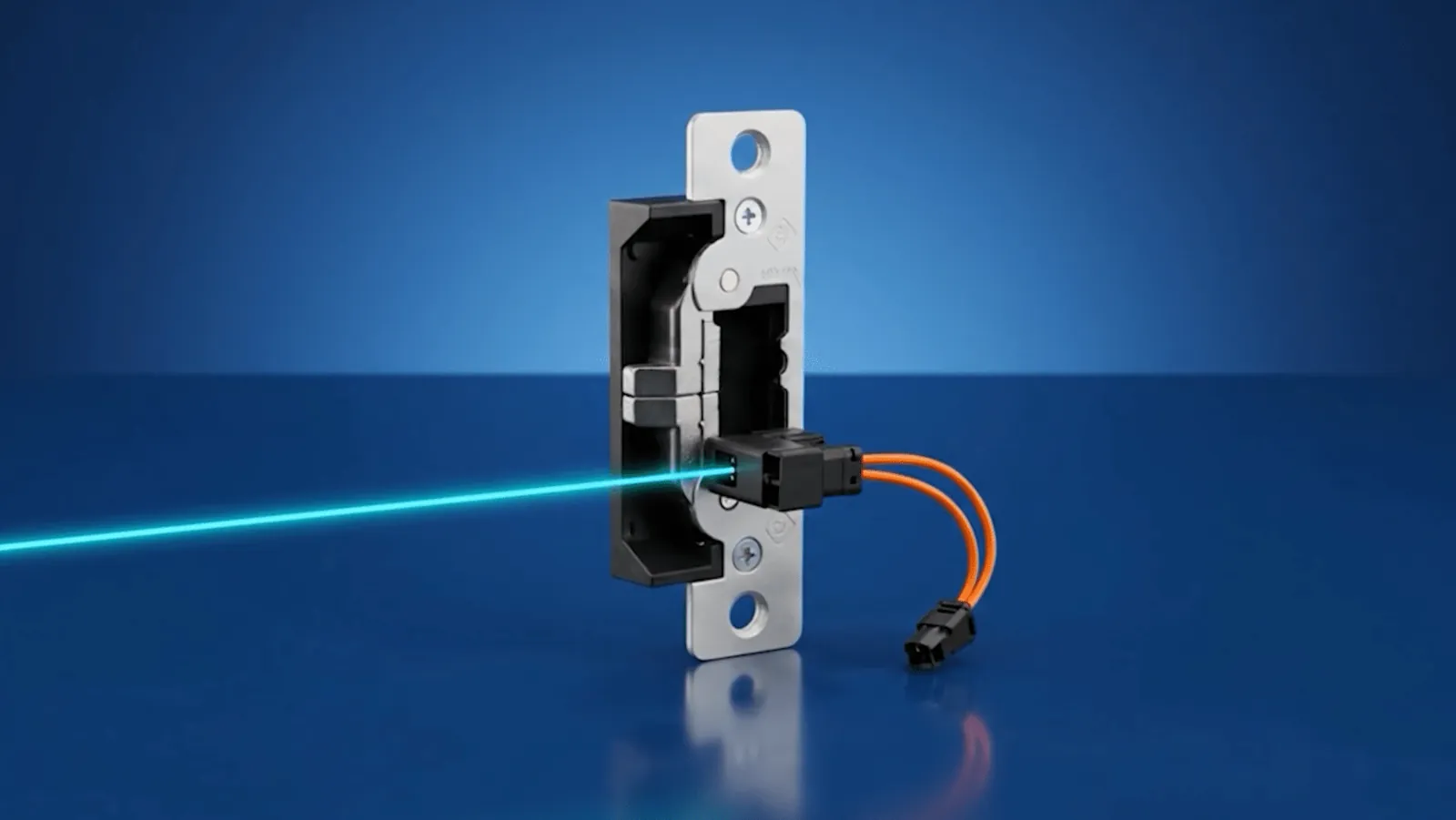
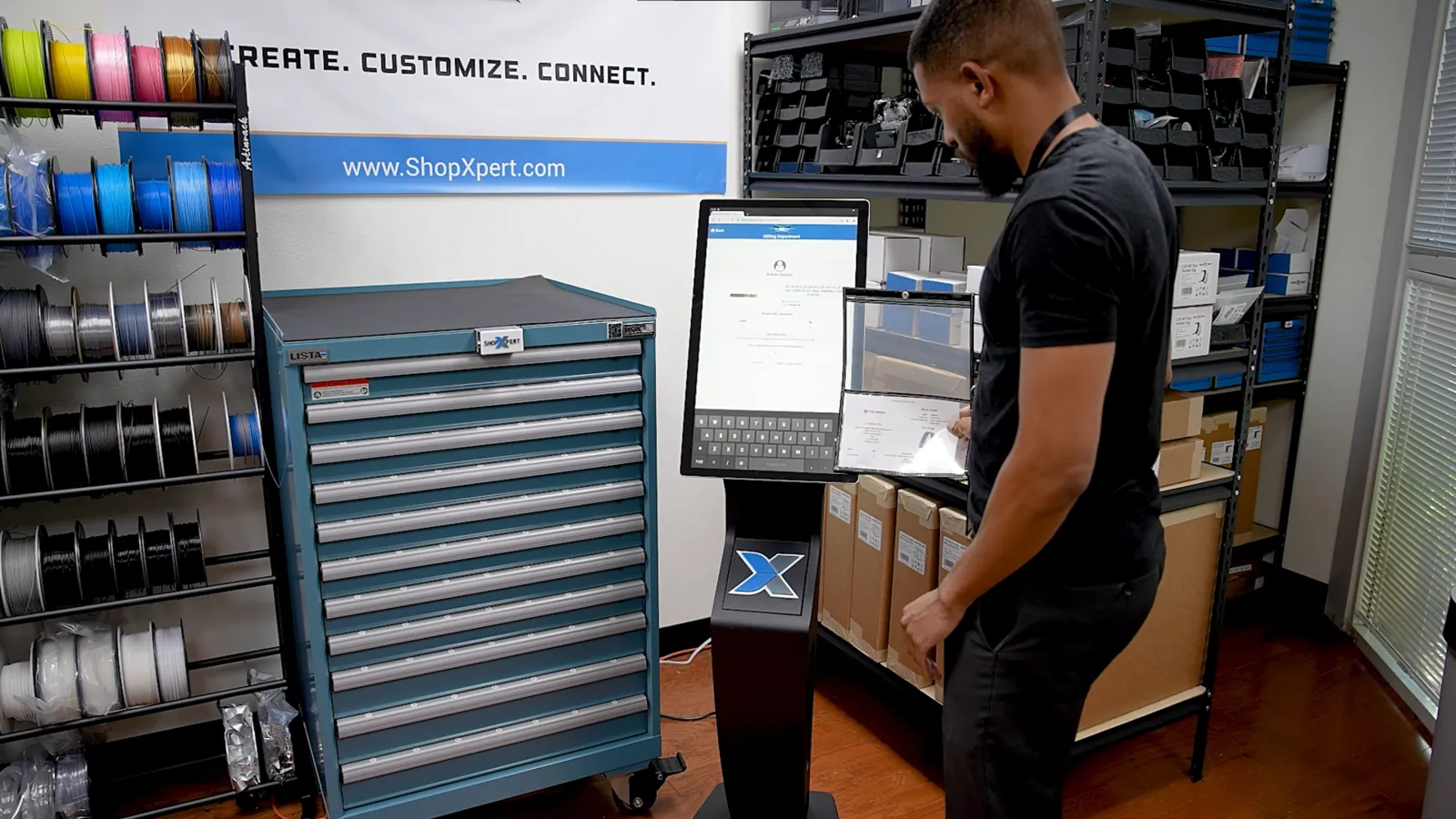
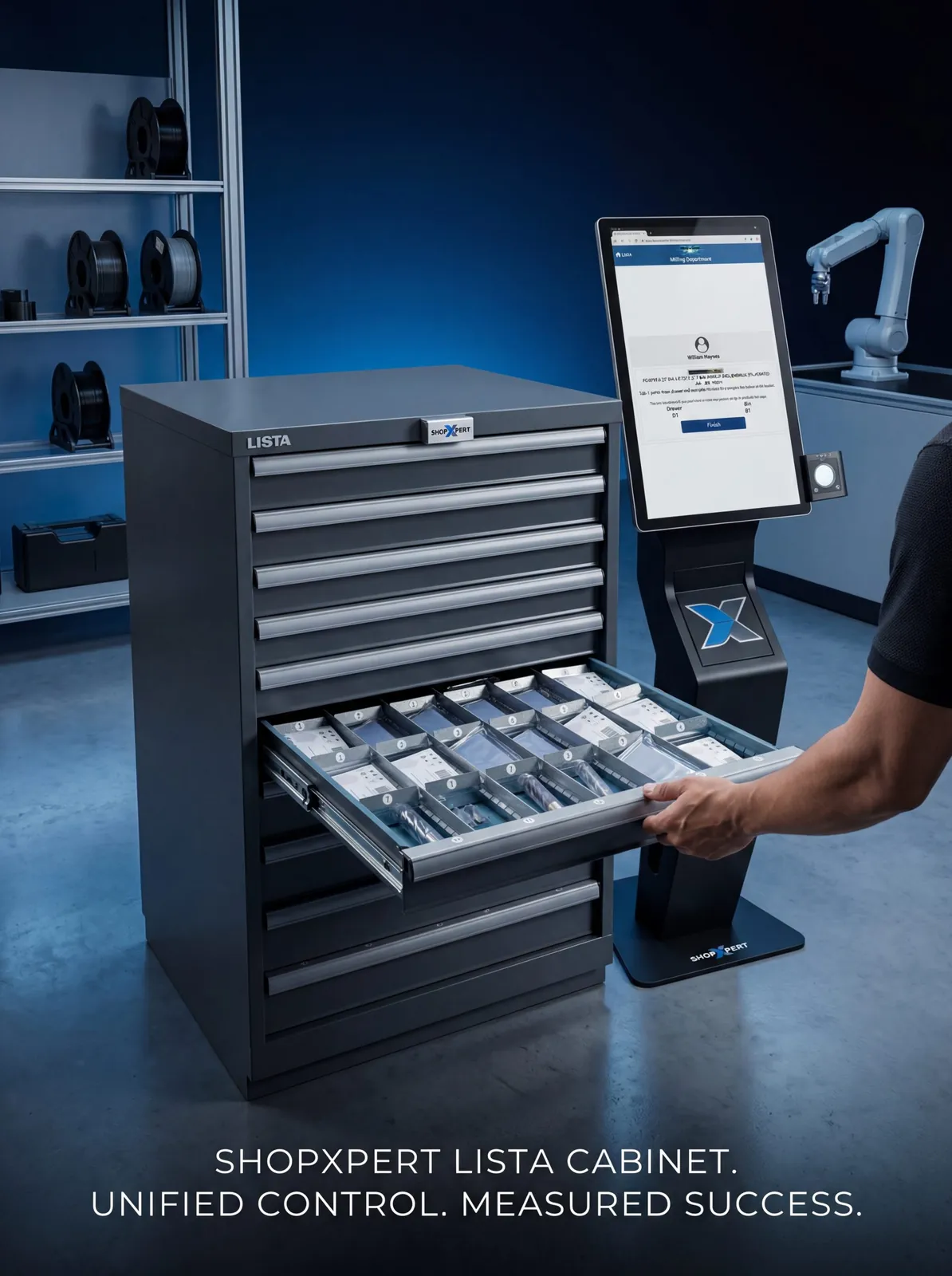
A touch screen at the door works with an electric door strike. When an approved badge is scanned, the door unlocks, and inside, only the drawers that person may open are unlocked.
Room access set per employee badge
The door strike unlocks only for approved badges
Works for tool cribs, shipping, supply rooms, and QC areas
Clip-on tags that make every holder easy to identify.
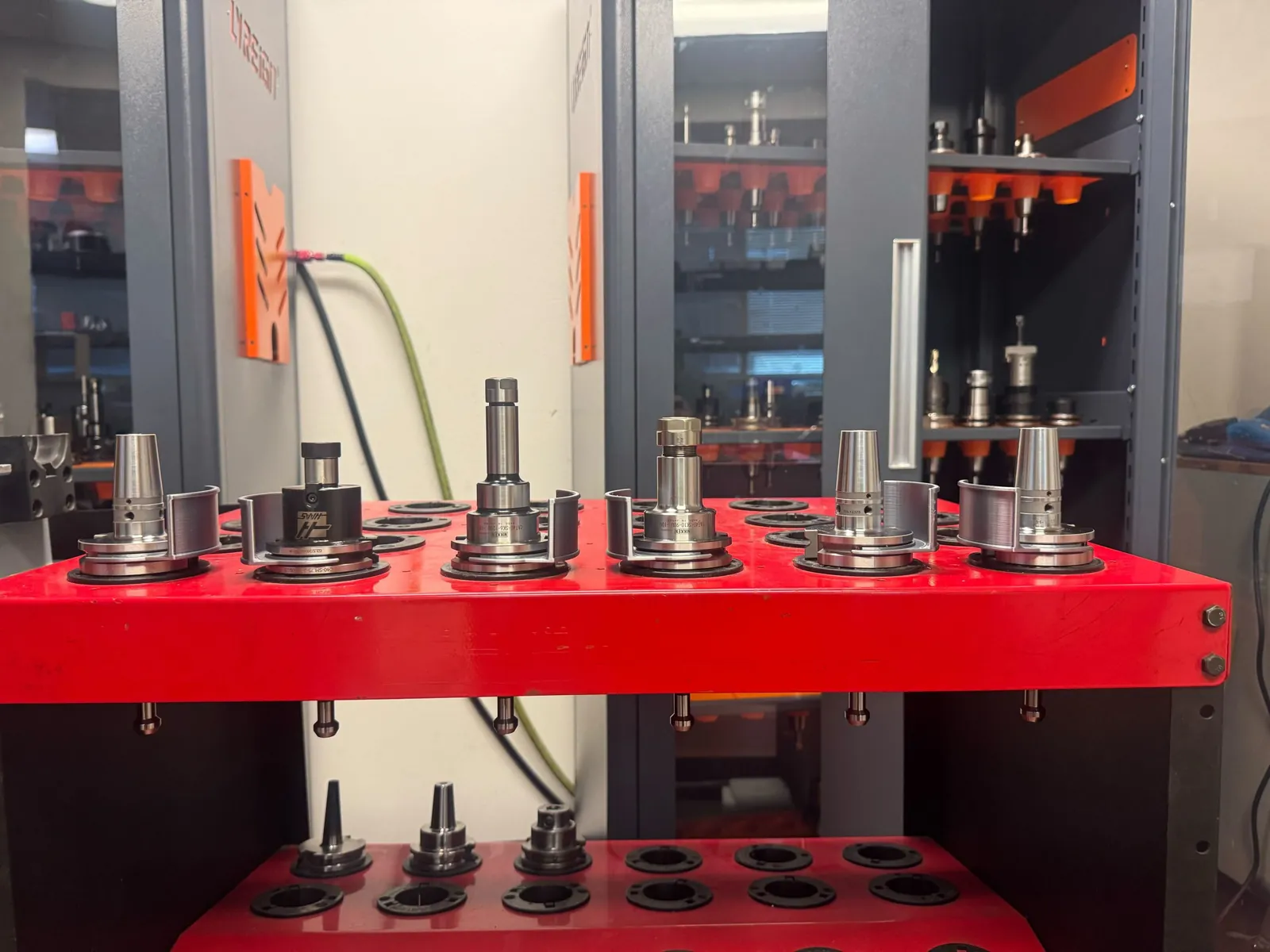
Tool holder tags snap onto CAT40, CAT50, HSK63, and Capto C6 holders by hand. They keep stored tools easy to spot in the cart, and come in many colors for color coding.
Snap on and off by hand, with no tools
Fits CAT40, CAT50, HSK63, and Capto C6 holders
Colors to match your departments or tool types
Do they stay on during machining?
No. Remove the tag before the tool goes into the machine. Tags are for storage and identification.
Can you match our colors?
Yes. Tags come in a range of colors, and custom colors can be made.
Control who takes inspection gages, and for which job.
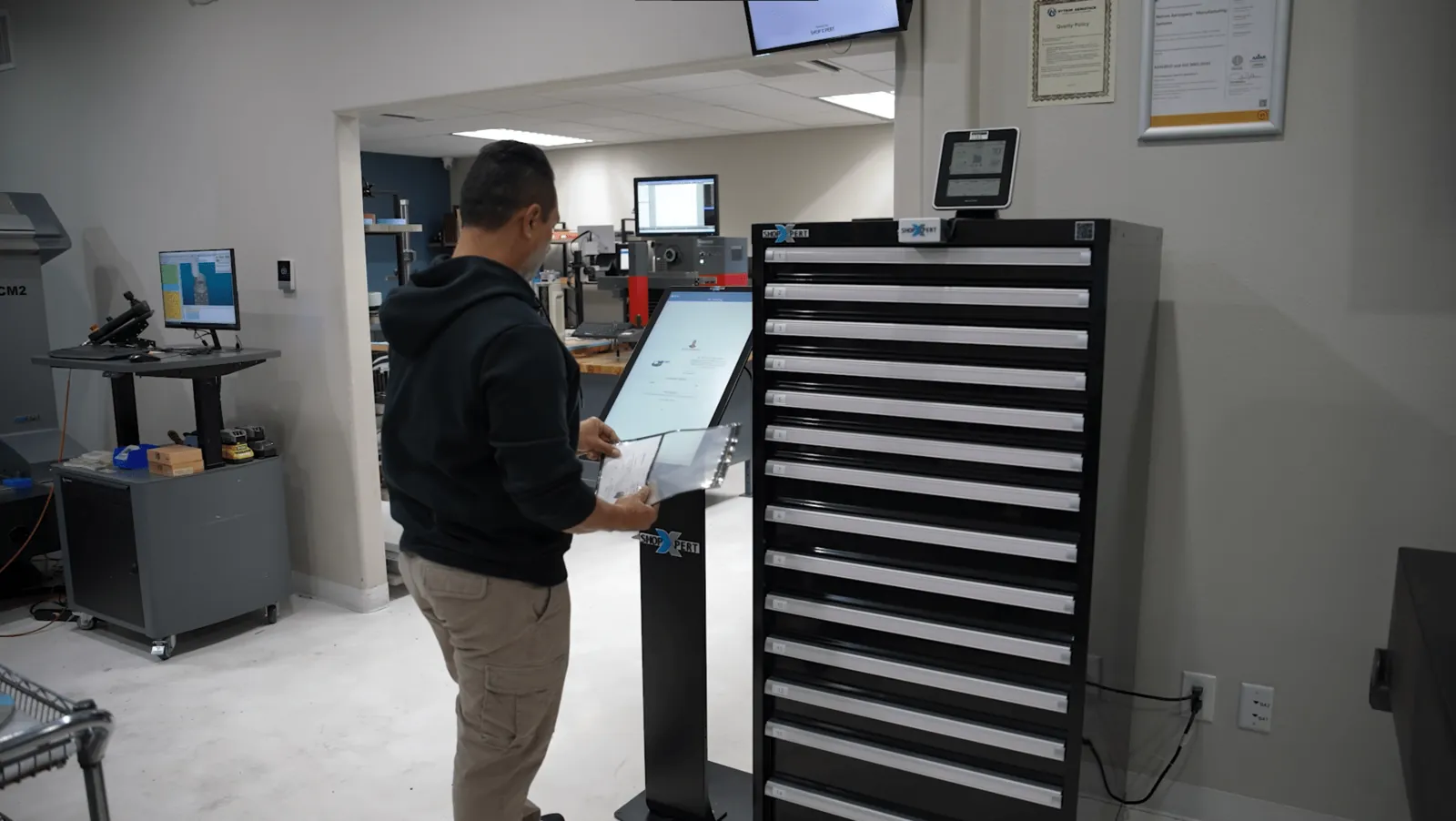
Quality teams sign in with a badge, scan the traveler, and take gages and inspection tools from a cabinet secured with XpertLock. Every checkout and return is logged.
Badge and traveler scan before any gage leaves the cabinet
A live view of what is available, in use, or overdue
Usage records that support audits
Can it track calibrated gages?
Yes. Gages are tracked like any other item, and ShopXpert keeps their calibration history.
Is all activity recorded?
Yes. Every check-in and check-out is logged automatically.
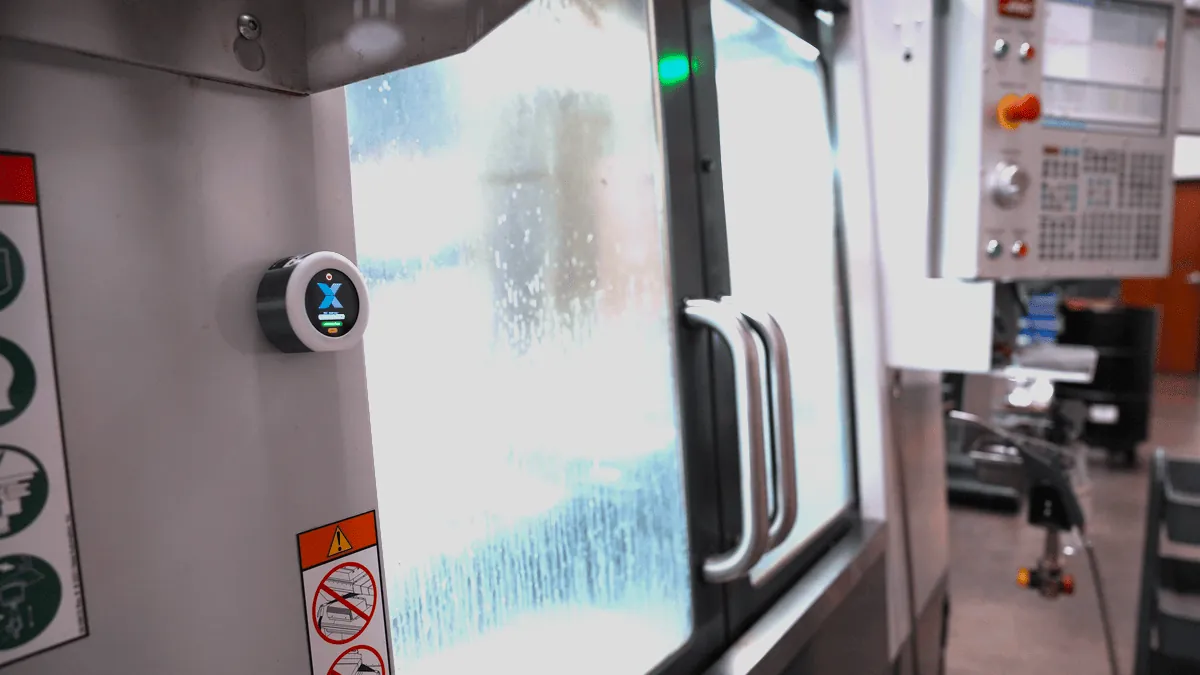
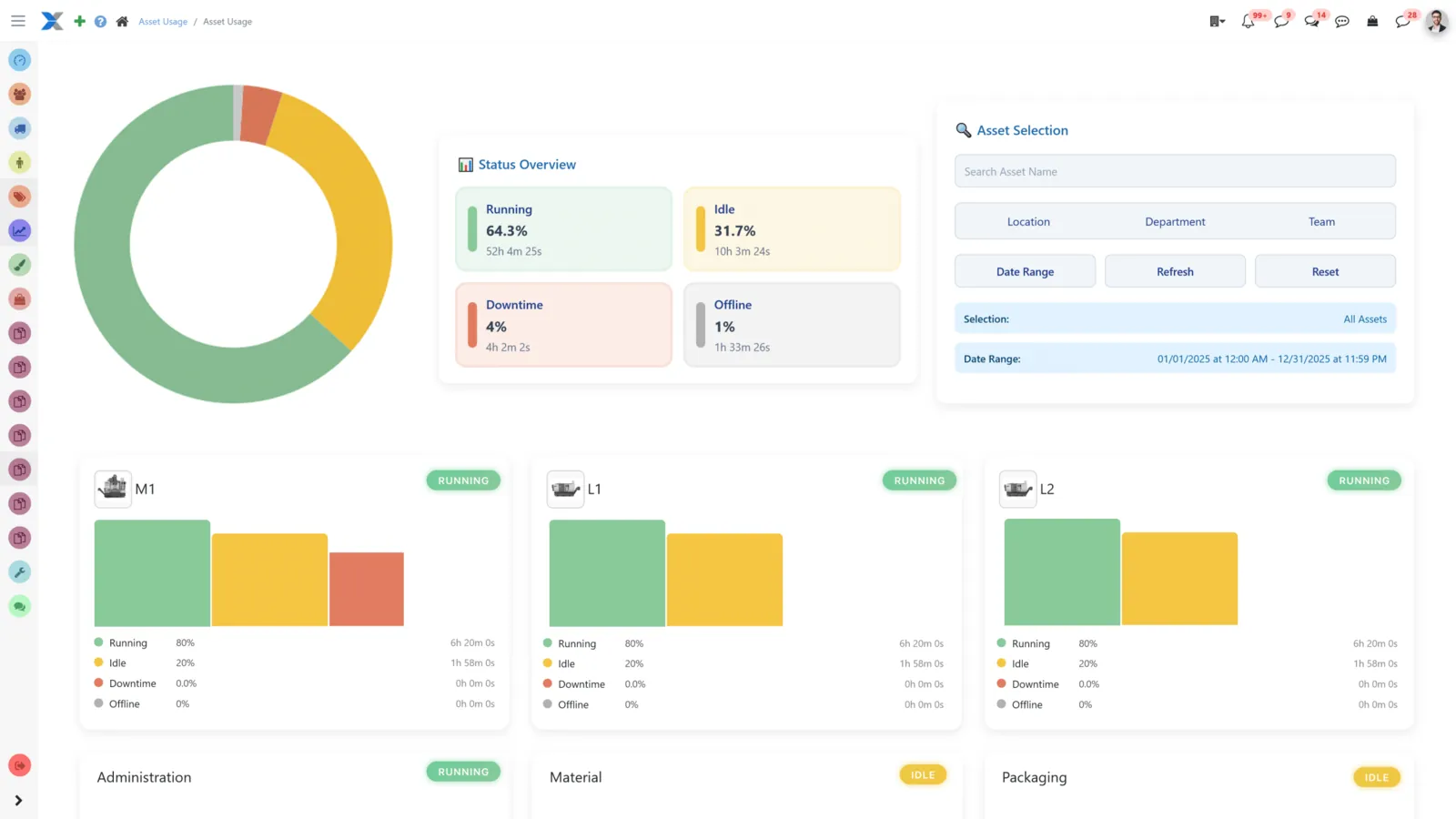
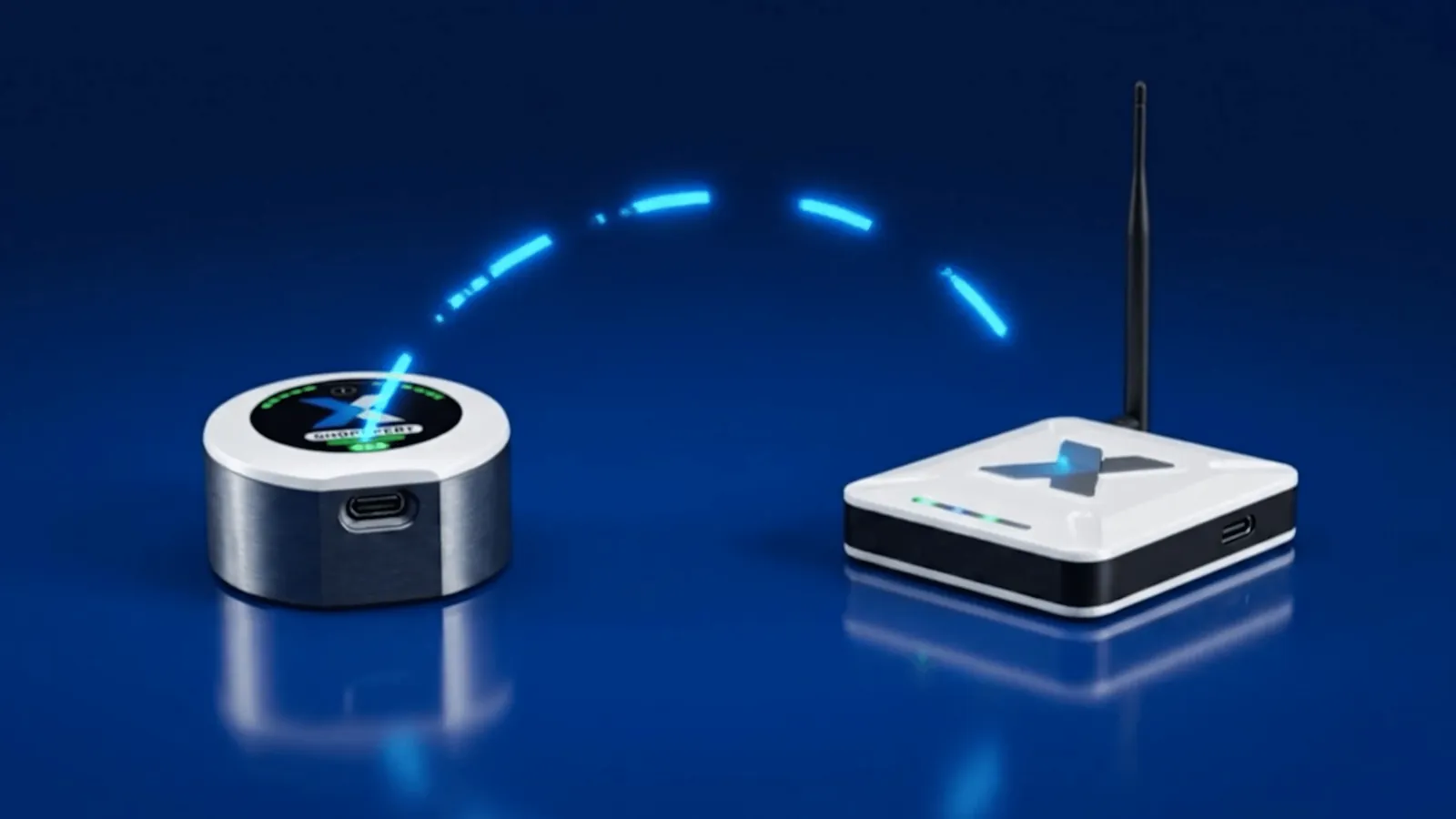
XpertTrack is a small sensor that mounts on a machine with a magnet. It detects vibration, so ShopXpert knows when the machine is running, idle, or down, with no PLC or controller connection.
Works on CNC machines, mills, lathes, presses, and other equipment that vibrates while working
Running, idle, downtime, and offline status on the Asset Usage dashboard
Built into ShopXpert, with history kept for reporting
Does it need PLC integration?
No. XpertTrack uses its own sensor and needs no PLC programming.
How does the sensor connect?
It reports through a ShopXpert gateway connected over Wi-Fi or Ethernet.
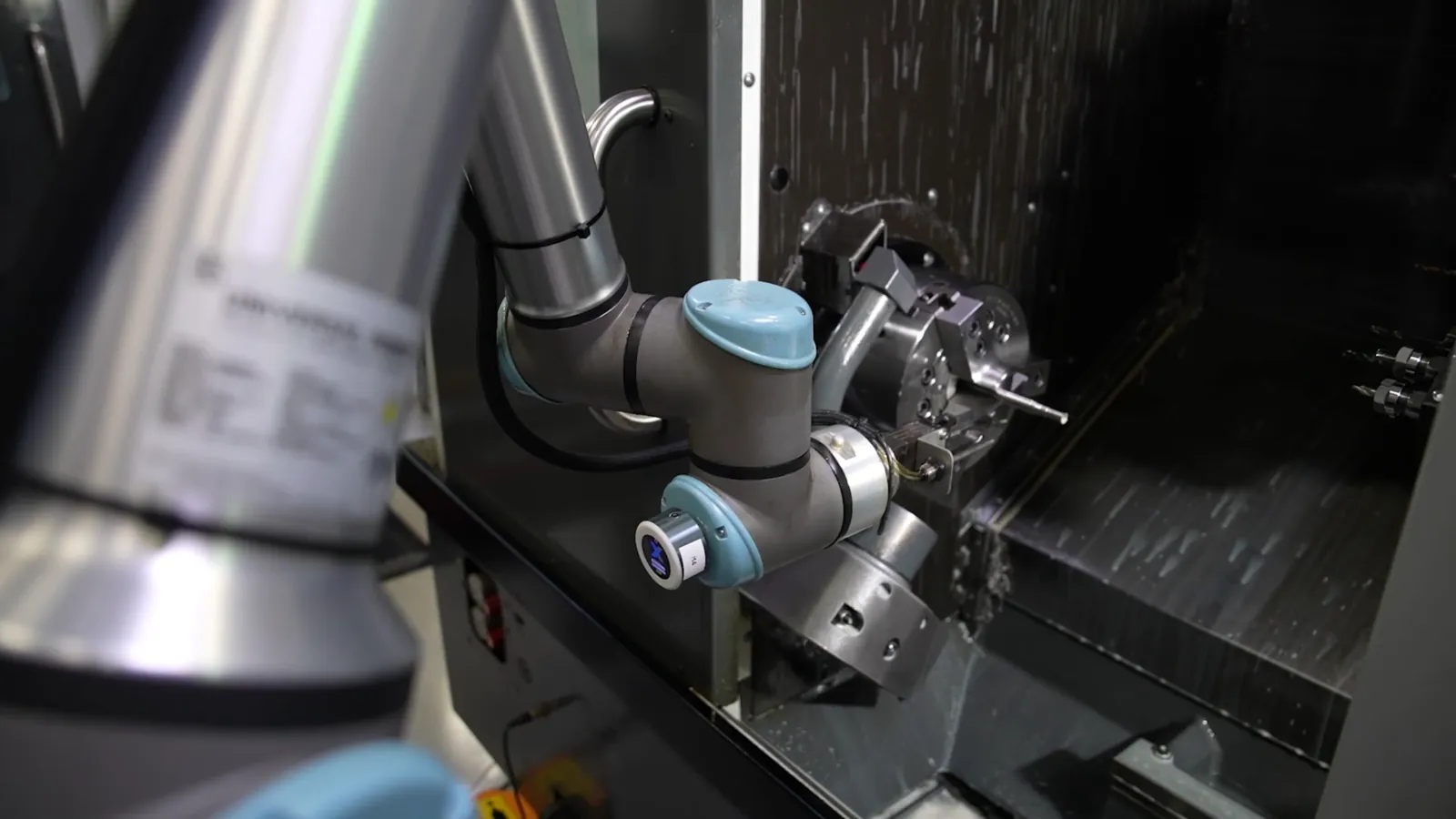
XpertTrack mounts on a robot arm and detects its movement, so ShopXpert shows when the robot is working, idle, or stopped. No robot controller integration is needed.
No connection to the robot controller or PLC
Working, idle, and stopped time for each robot
Spot interruptions in automated cells quickly
How is it installed?
With a magnet on the arm, then it is paired in the ShopXpert app.
Know when your CMMs are inspecting and when they sit idle.
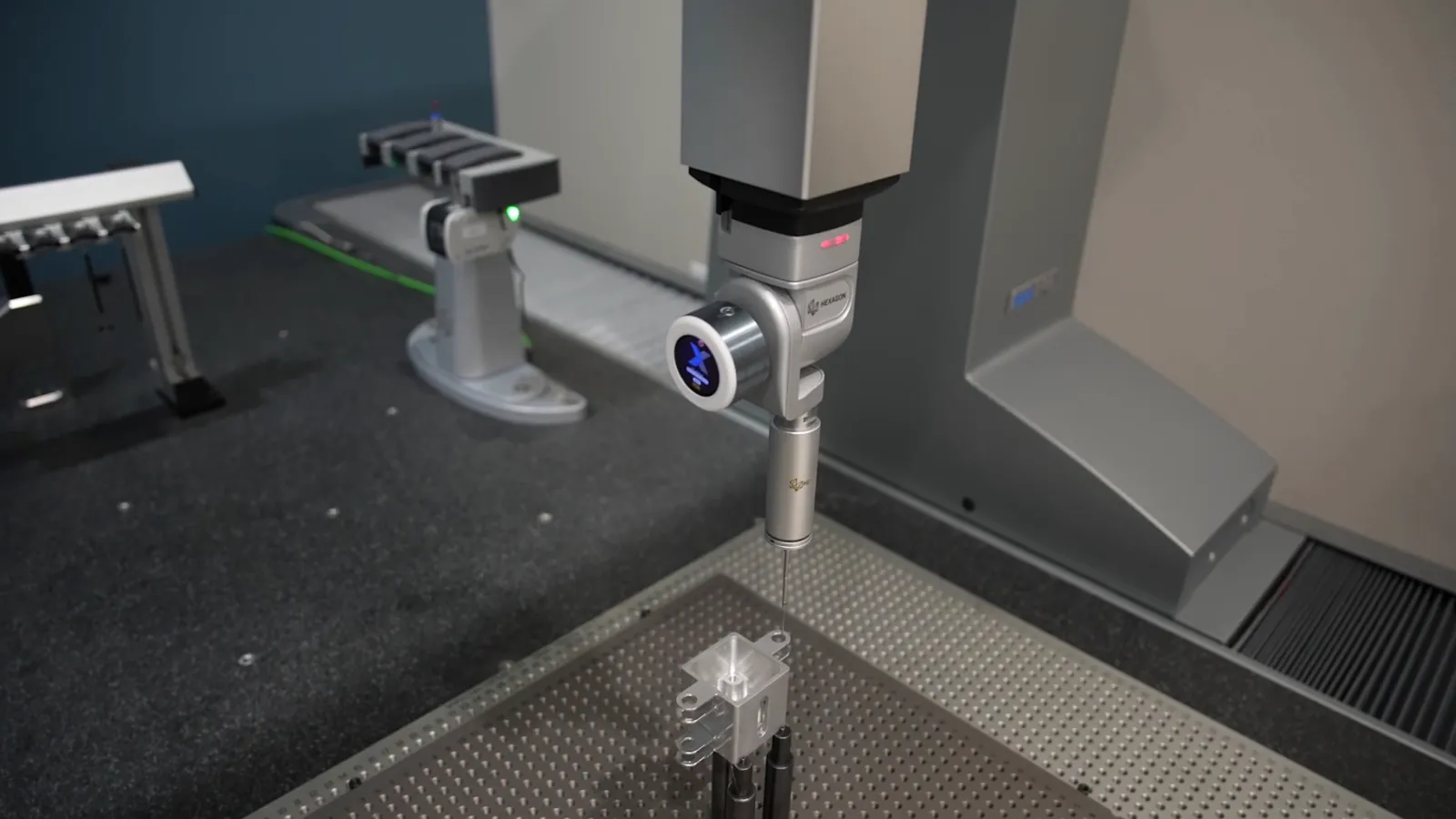
Mount XpertTrack on a coordinate measuring machine and ShopXpert records when it runs, when it is idle, and when it stops, without touching the CMM controller.
No connection to the CMM controller, PLC, or software
Inspection activity captured on every shift, without manual logs
CMM utilization next to your production data in ShopXpert
How is it installed?
The sensor attaches with a magnet, then you pair it in the ShopXpert app. No wiring.
What does it detect?
Movement and vibration, which show running, idle, and stopped time.
Inspection forms and drawings in the inspector's hand.
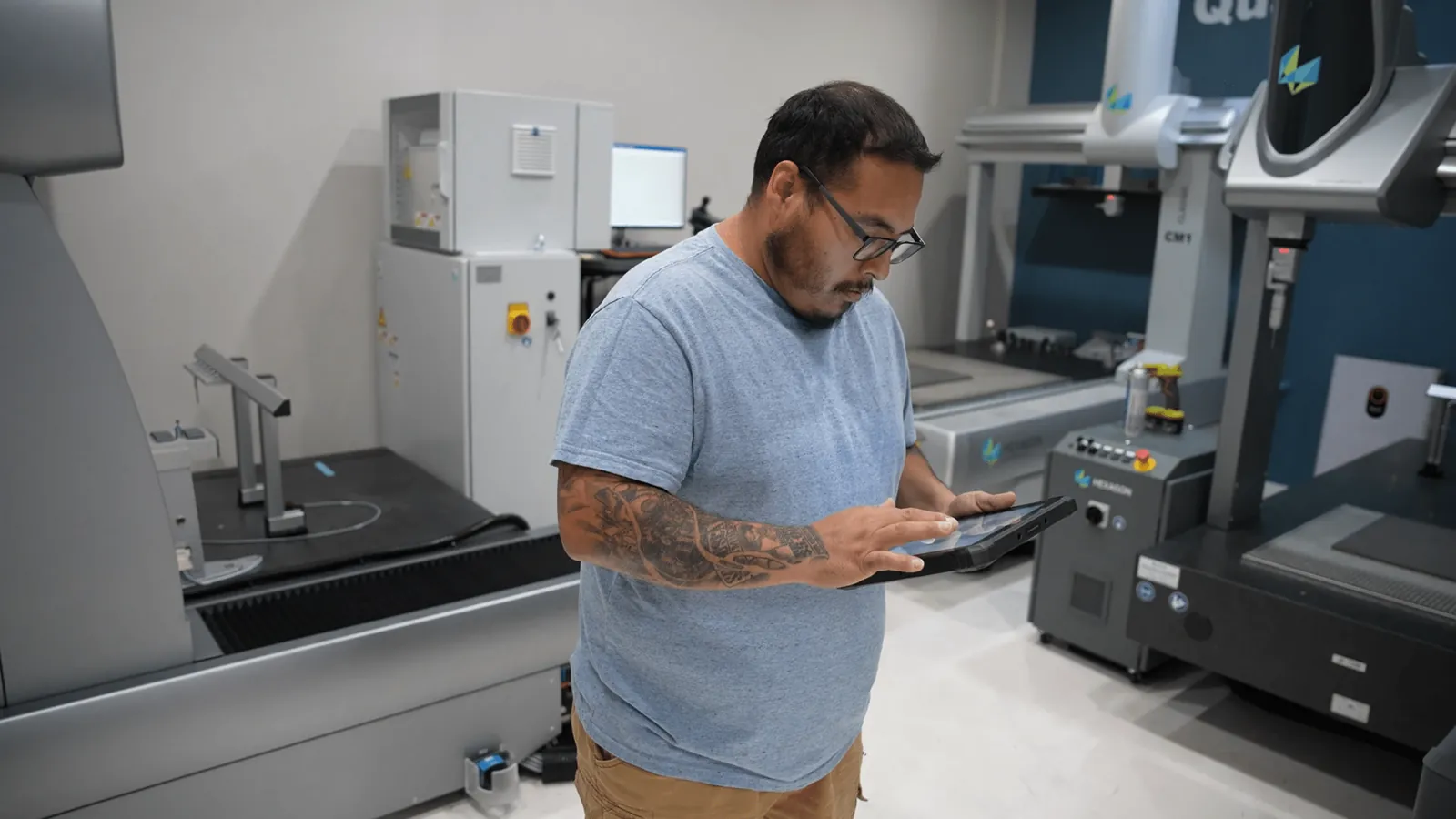
Inspectors fill in inspection forms and open drawings on the waterproof tablet, right next to the CMM or the part. Results sync to ShopXpert as they are entered.
Complete inspection forms on the tablet
Drawings, inspection sheets, and QC documents on hand
Data syncs in real time through the Workstation module
Can inspectors fill in forms on it?
Yes, through the Workstation module.
Is it tough enough for the shop floor?
Yes. It is waterproof and built for industrial use.
Three manufacturers on what changed when they ran their shop on ShopXpert.
“As far as recommending it, by all means. It's an excellent system that fills a big void in the market, huge time saver, and it really helps reduce overall costs for our customers.”
Darren DivesVice President of Sales, S&D Industrial Tool SupplyRead the story
“ShopXpert has proven to be that flexible automated solution on the ERP side that we've been able to drive through the operating side of our platform.”
Quick answers about how ShopXpert connects the shop, and how to get started.
What does ShopXpert connect on the shop floor?
ShopXpert connects jobs, machines, people, tools, quality, and suppliers in one system: machine tracking with XpertTrack, workstation screens and tablets, tool vending, time clocks, and the supplier portal all report into the same ERP.
Do the devices need separate software?
No. Workstation screens, tablets, time clocks, vending, and XpertTrack sensors all work inside ShopXpert, so there is no separate system to integrate.
Can we start with one area of the shop?
Yes. Many shops start with one area, such as vending or time tracking, and add others later. The 14-day full-access trial lets your team try every module first.
How long is the demo?
The demo is a 40-minute call with no commitment. We focus on the areas of the shop you choose.
Book Your Demo
Pick a Time for Your 40-Minute Demo.
Choose a slot that works for you. We will walk through the areas of your shop you care about most, with no commitment.
A live walkthrough of ShopXpert on a real shop floor setup
Focused on your machines, tools, people, and suppliers
Answers on setup, devices, and the 14-day full-access trial
We use necessary cookies to run this site. With your permission, we also use cookies for live chat, analytics, and marketing. If you reject, you are not tracked.We use optional cookies for chat, analytics and marketing only if you allow them.Cookie Policy
Cookie Settings
Choose which cookies we may use. You can change this at any time from the cookie button at the bottom of the page.