
How To Operate Job Board (Open RFQ's)
Job Board is an organized page where you have everything you need to know about a job.
In Job Board you can see all the RFQ and Messages from your clients who have selected you to bid for a job.
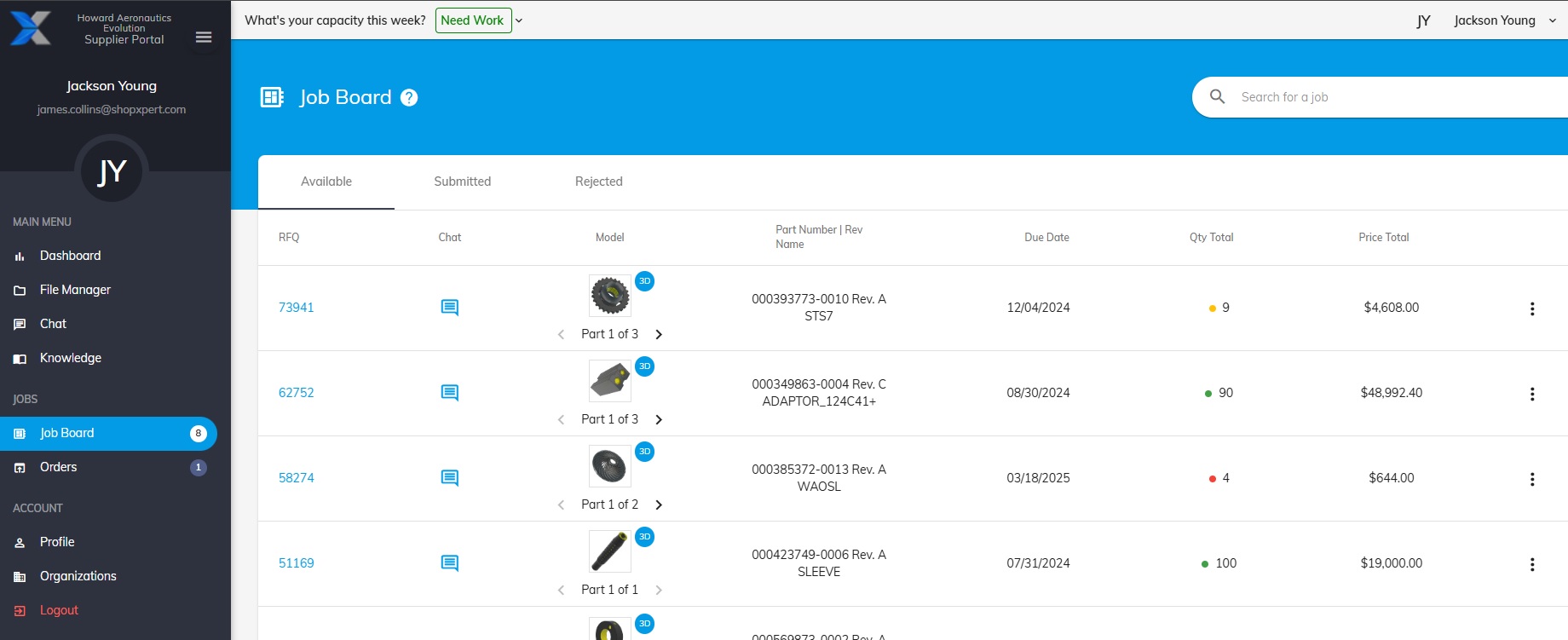
In the main window General Details are available about each RFQ
Click the RFQ Number for a more detailed view.
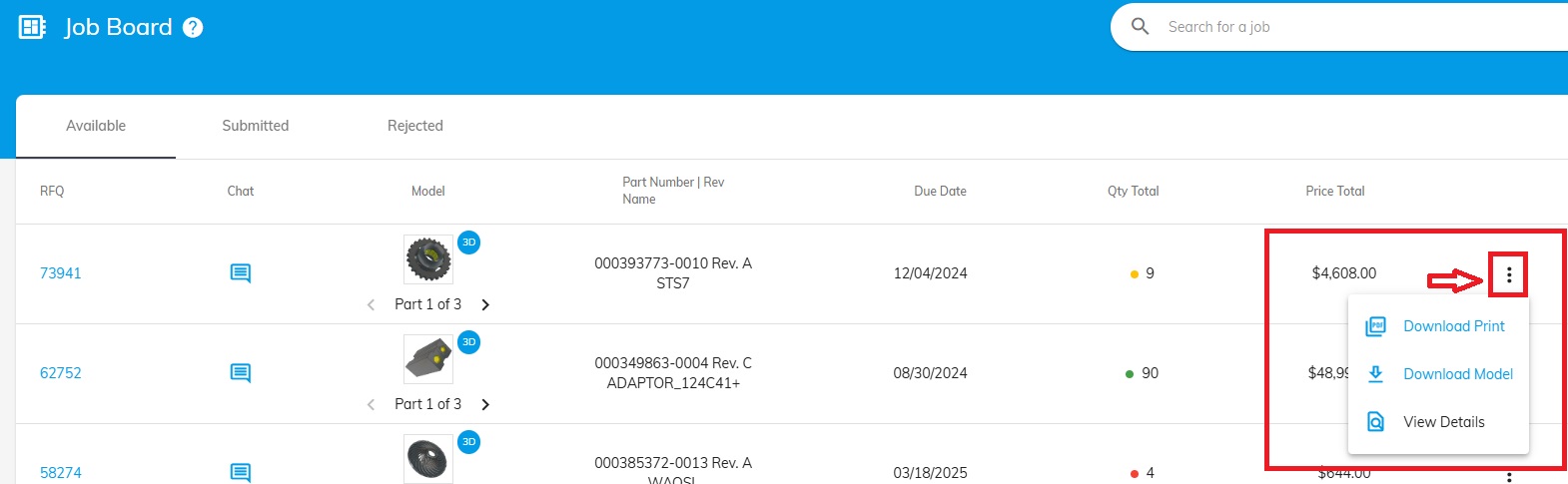
Download files button is available in the main window too.
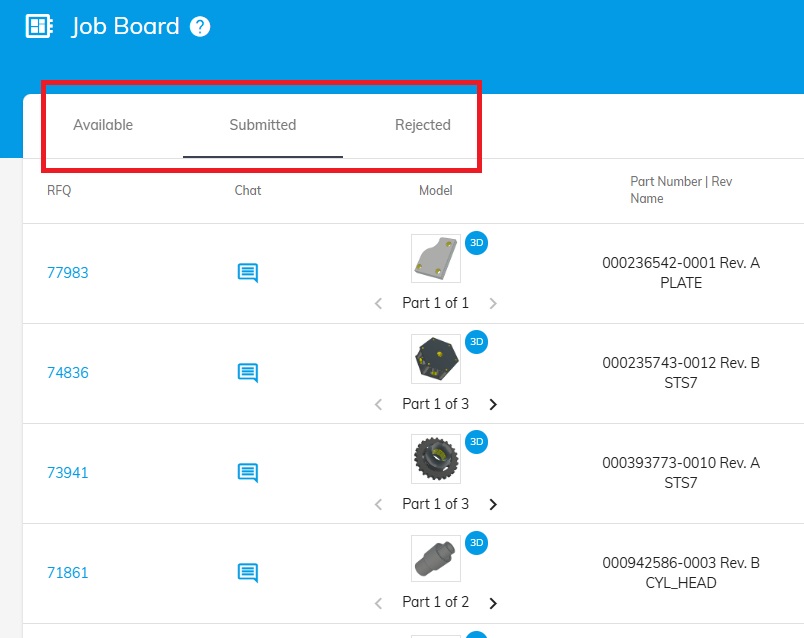
View a list of Available, Submitted or Rejected RFQ’s by switching through below buttons.
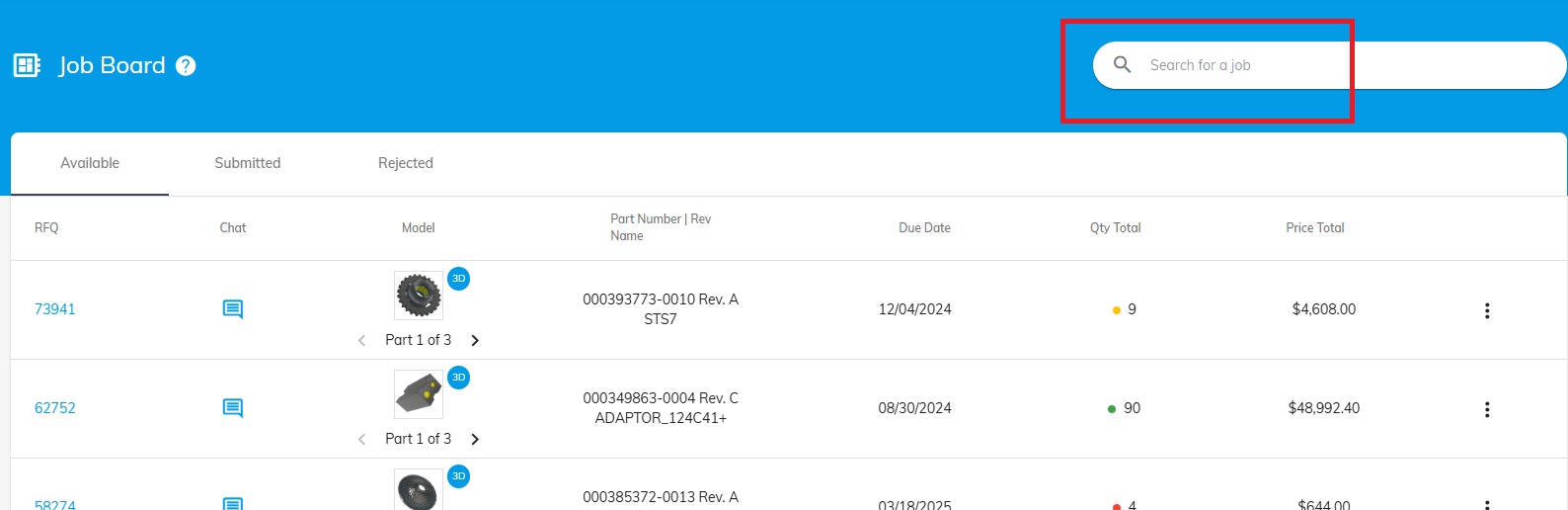
If you have a specific job in mind use the Search Box to find it more easily.
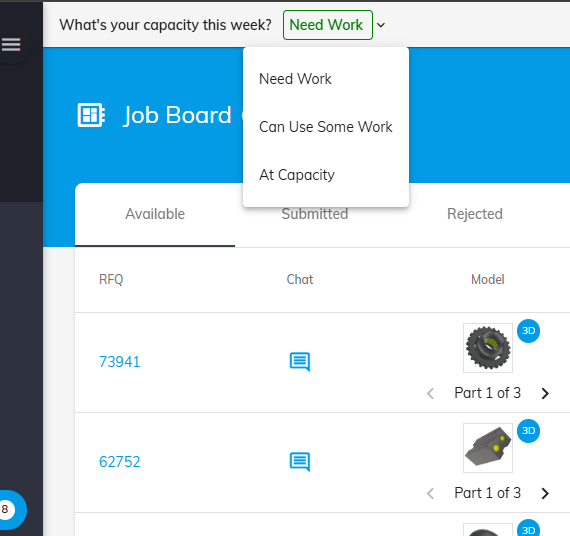
A very important aspect of this page is updating your Work Capacity.
Update your capacity every week so your client is always aware about this aspect and send you RFQ’s accordingly.
- Need Work
- Can Use Some Work
- At Capacity
Was this article helpful?
Still stuck?
Ask Tessa in chatEmail supportTessa can point you to the right guide, or bring in a ShopXpert teammate.