
How to remove a user (Employee) from the ShopXpert App
This tutorial will explain how to remove app access to someone that is no longer with your company.
The following can be done only by the personnel with “Administrator” rights over your ShopXpert Account.
Go to Employees Tab.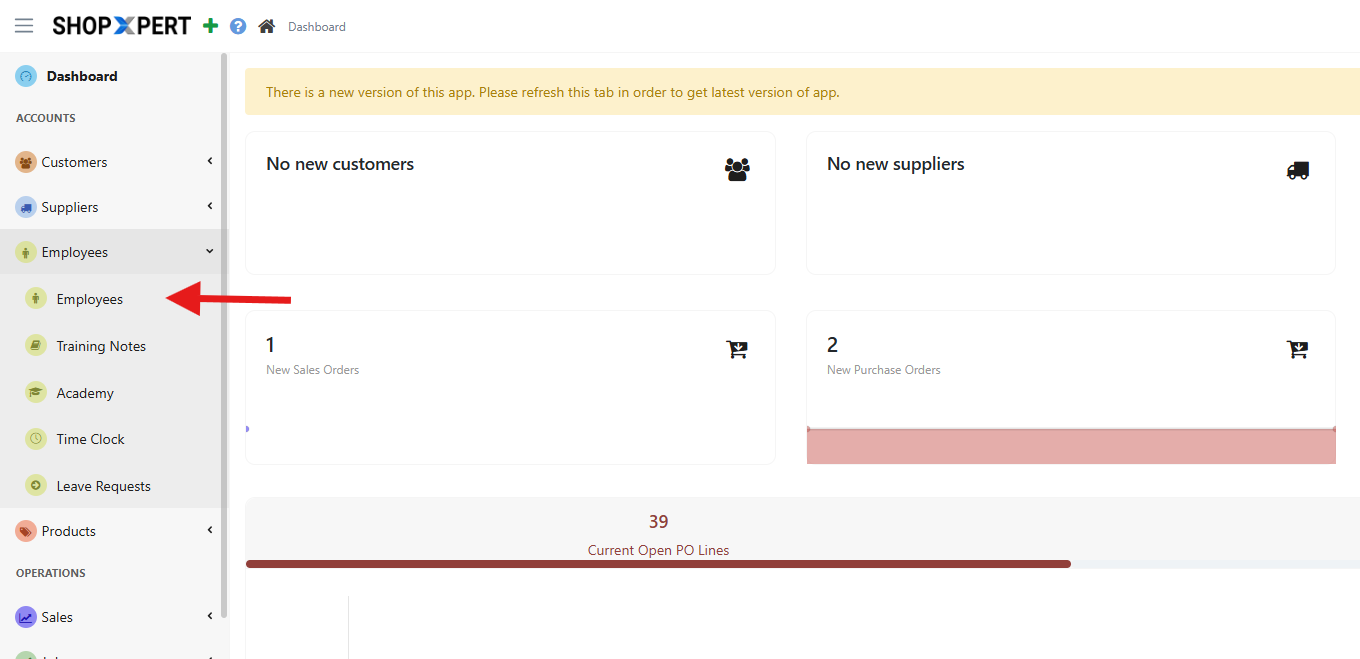
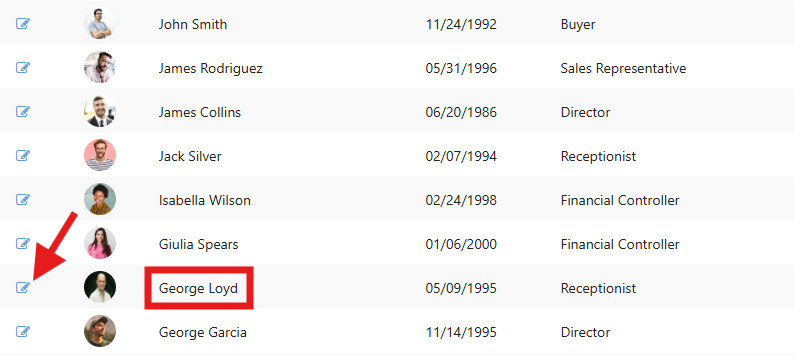
Choose the employee you want to Deactivate. And hit the edit button on that specific contact.
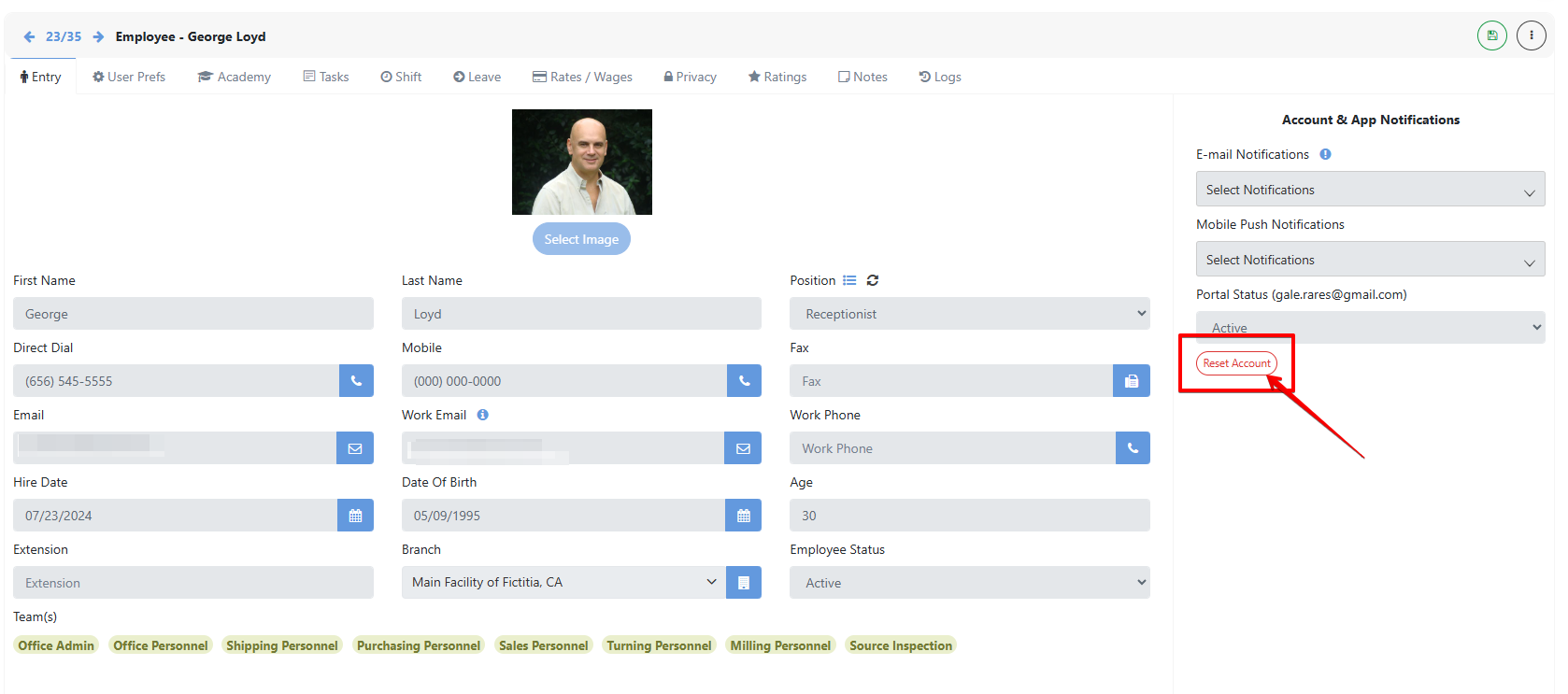
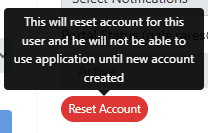
On the right side of the page click the reset account button. This will completely remove his login info from our database and will no longer be able to log back in.
Was this article helpful?
Still stuck?
Ask Tessa in chatEmail supportTessa can point you to the right guide, or bring in a ShopXpert teammate.