
How to use General Chat - App View
Collaborate with your suppliers easily through General Chat.
To initiate conversations and send messages with your suppliers go to Communication and select Chat.

Here you can add a New Chat or Search in your List for the desired Supplier.
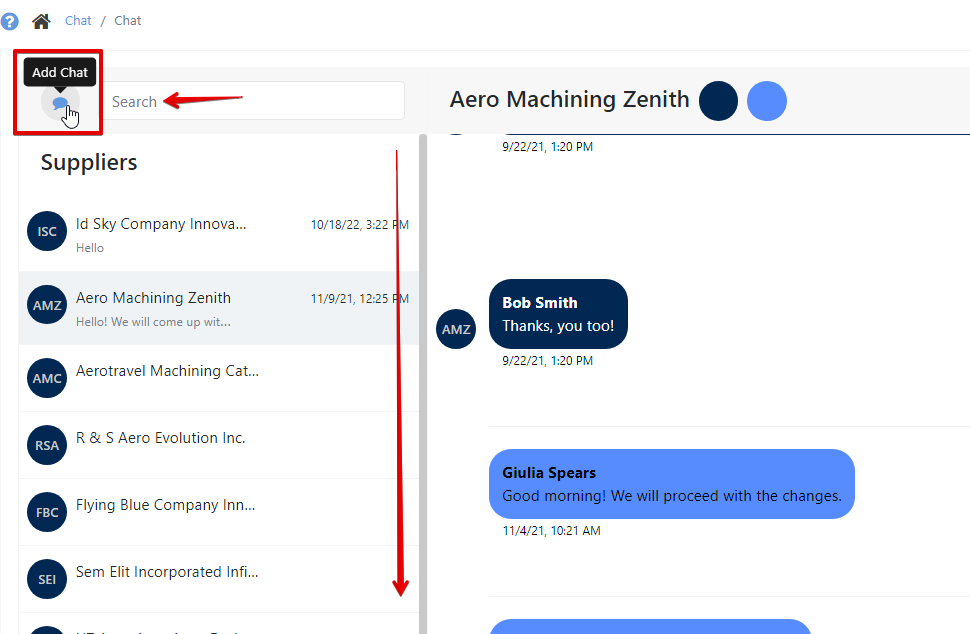
Write your message in the Typing Box and Attach files if necessary. Then hit send.

Was this article helpful?
Still stuck?
Ask Tessa in chatEmail supportTessa can point you to the right guide, or bring in a ShopXpert teammate.