
How To Create And Make Use of Training Notes
Training Notes Tutorial - how to create valuable training notes for effectively communicating information, reinforcing learning, and providing a reference for e
You can find the Training Notes right under the Employees tab, and clicking it opens up the Training Notes page, where you can make, edit, and view all the training notes assigned to your department.
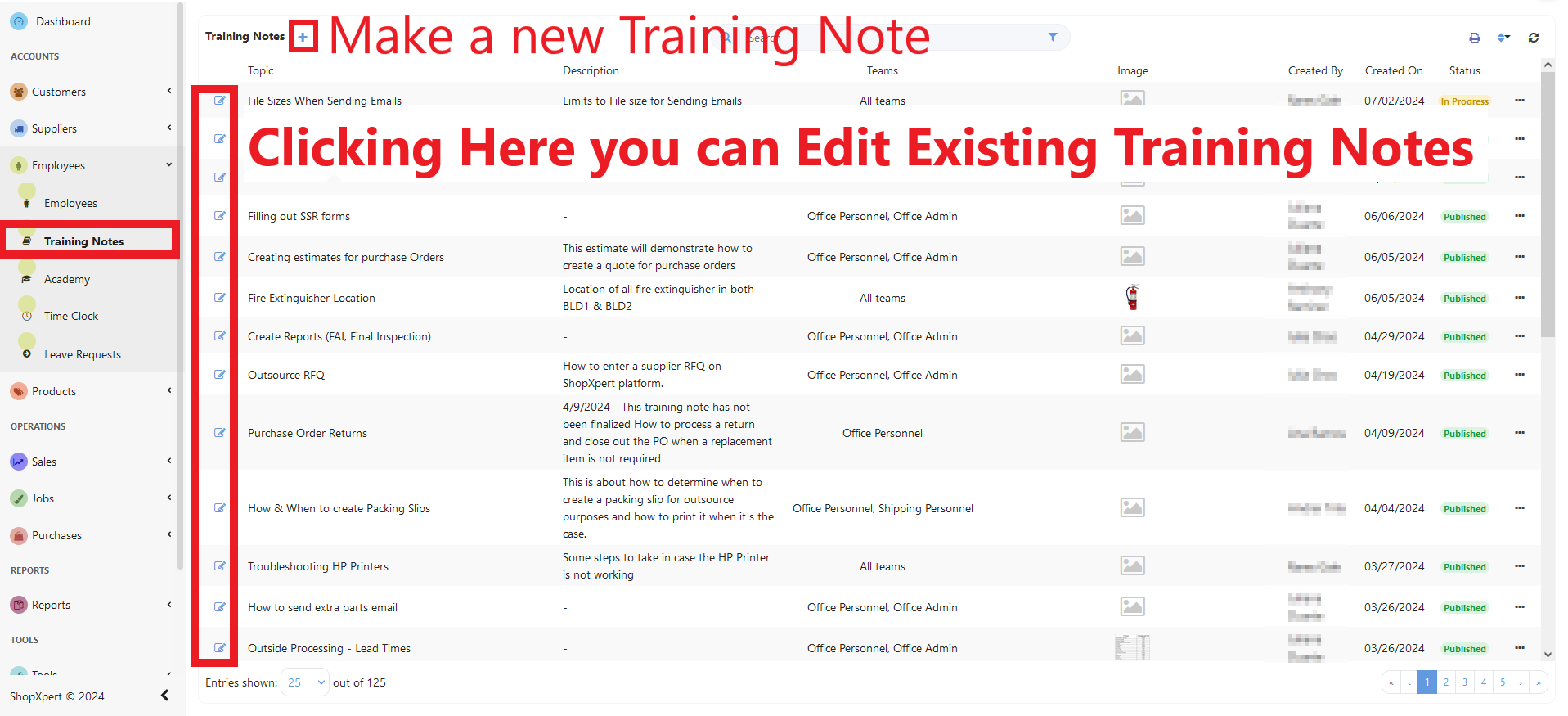
You can make a new training note by clicking the “+” button. Now you need to fill this note with information. Let’s get started!

- Add a Topic(Title): this must be very clear
- Set the Status of the Training Note: in progress or published
- Add an image
- Select the Teams(departments) who have access or select the whole company,
- Write a description: Provide an overview of the topic and the objectives of the training.
- Add files if needed.
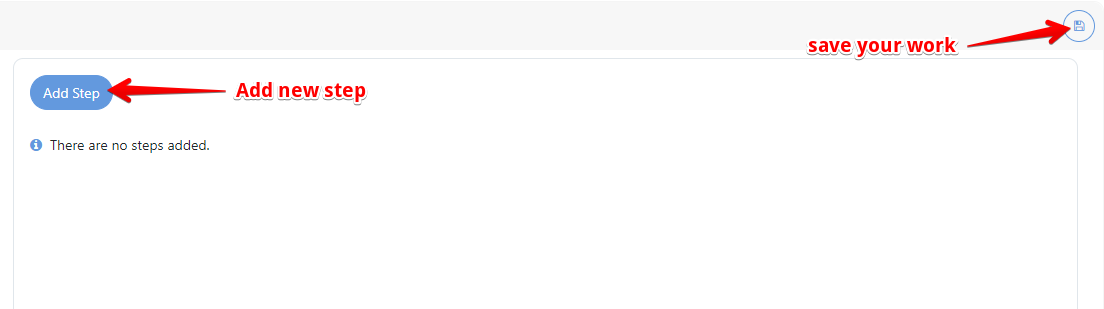
- By clicking the “Add Step” Button you can start to create the Training Note, add steps with text, tables, links, or pictures, and edit them. When writing the training notes, aim for clarity and conciseness. Use bullet points, highlight important points, and incorporate visuals
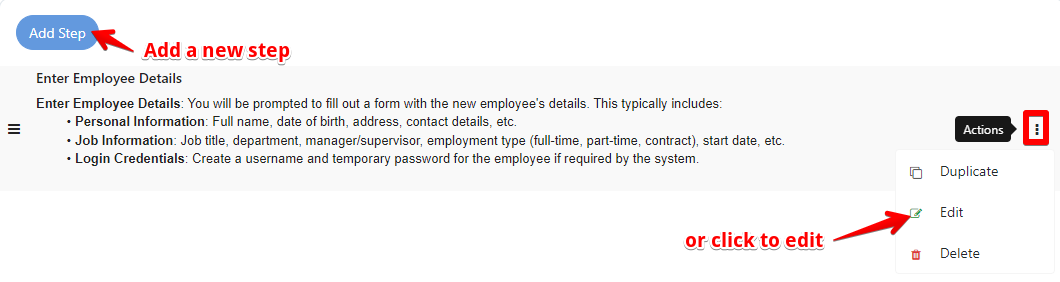
You can also edit each steps.
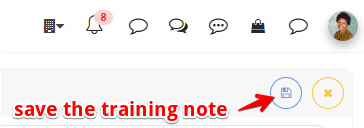
Don’t forget to save the training note.
Was this article helpful?
Still stuck?
Ask Tessa in chatEmail supportTessa can point you to the right guide, or bring in a ShopXpert teammate.