
How To Restrict Access To Academy Through Departments
Restricting access to a course in academy through departments involves controlling who can access specific courses or training materials based on their departme
Access the Academy page:
- Navigate to the menu: select “Employees” and open the “Academy” page
- Select the course you want to restrict access.
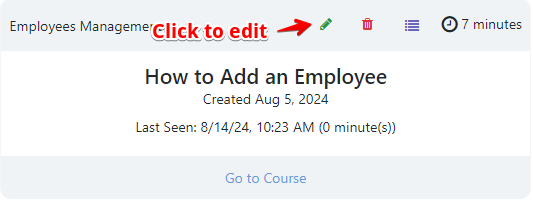
Locate the section where you can manage access settings, labeled as “Teams”. You can manually select the departments that will have access to this course, or choose “All teams access” if the course is intended for everyone.

After setting the department restrictions, save your changes. The course will now only be accessible to the designated departments. For more details on creating and editing courses, click HERE.
Was this article helpful?
Still stuck?
Ask Tessa in chatEmail supportTessa can point you to the right guide, or bring in a ShopXpert teammate.