
How to put a PO on Hold
Setting the status of a PO to "On Hold"
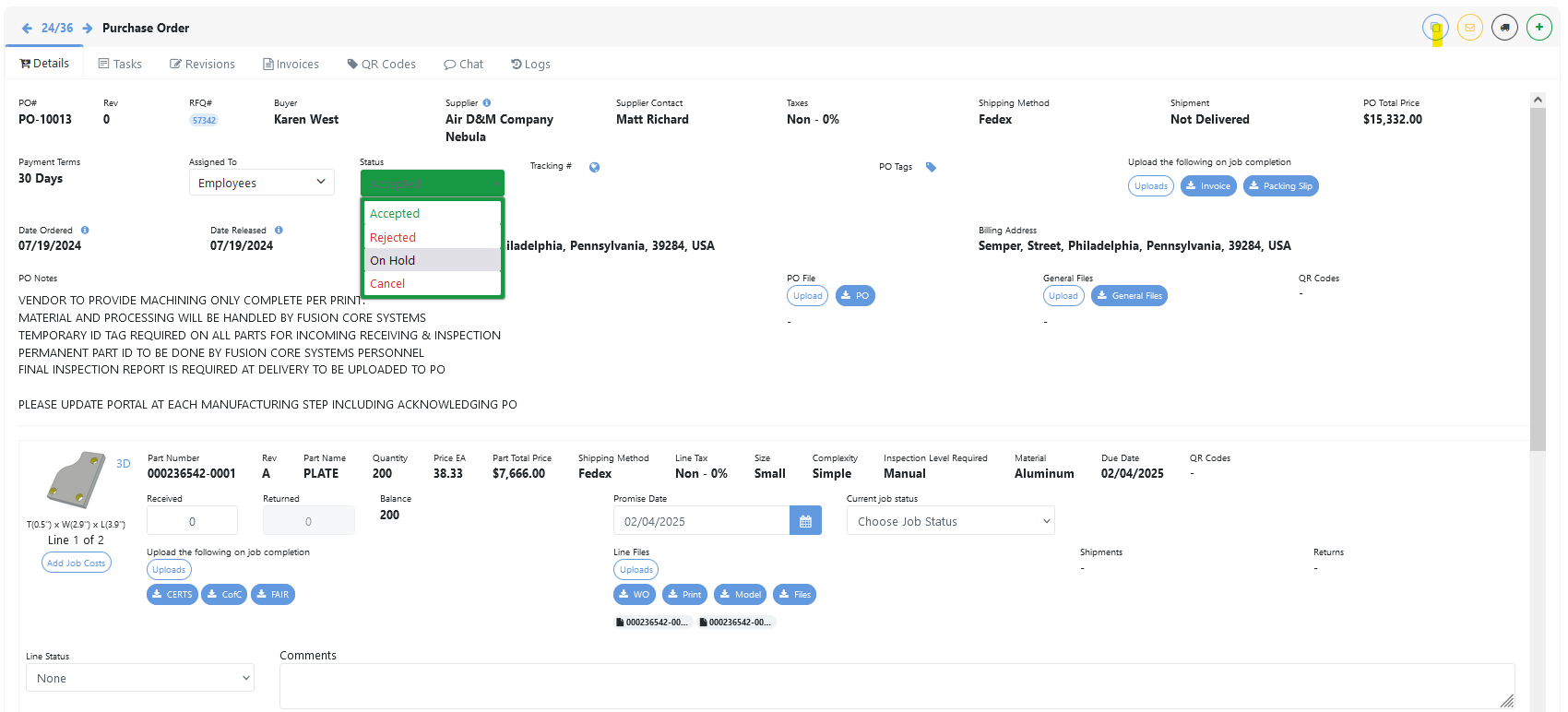
To set the status of a PO to “On Hold”, press on the status Button and select “On Hold”
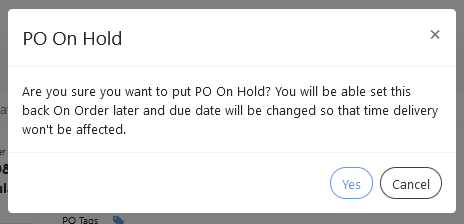
This will open up a prompt that you’ll have to confirm for the status of the PO to change.
Was this article helpful?
Still stuck?
Ask Tessa in chatEmail supportTessa can point you to the right guide, or bring in a ShopXpert teammate.