
How to Cancel a PO
Cancelling a PO from the Status Button
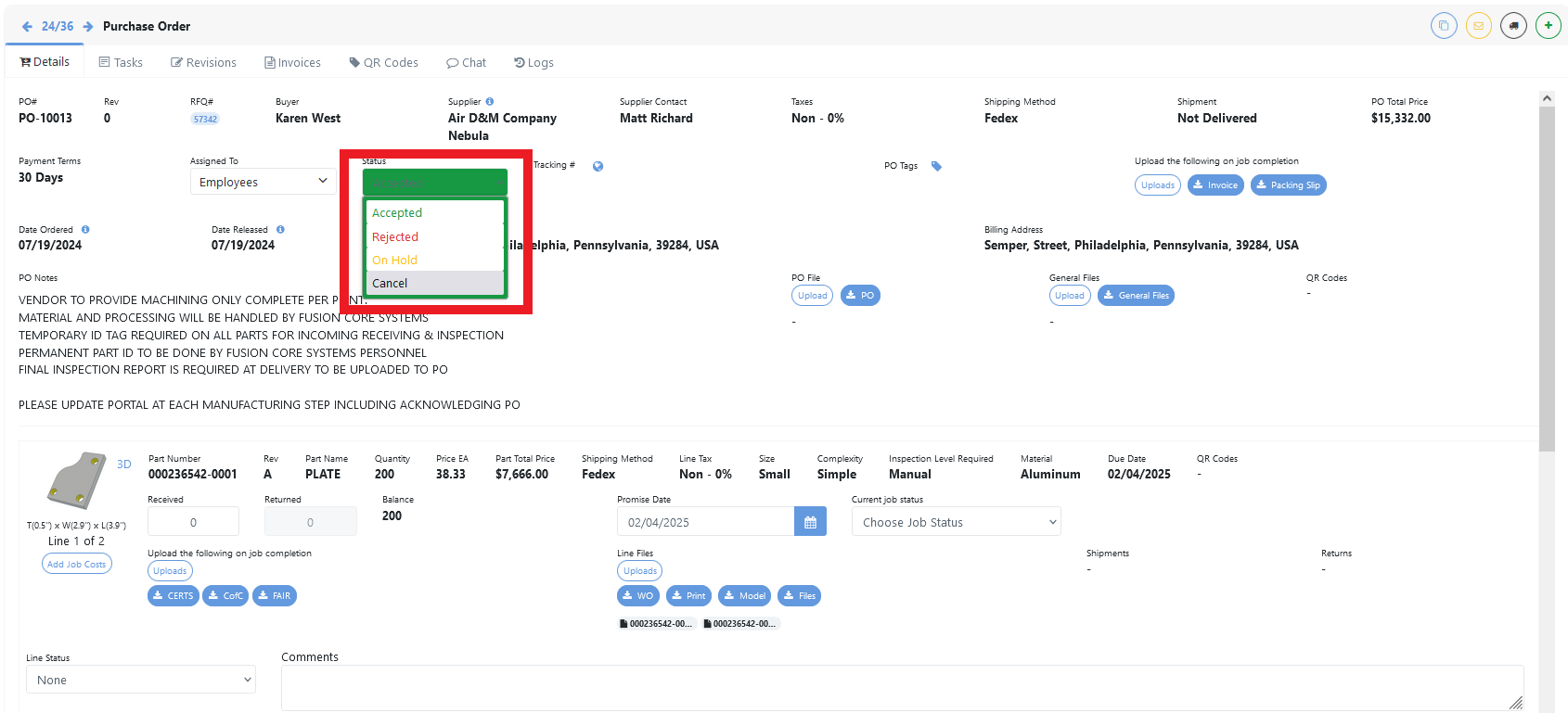
To cancel a PO, press on the status Button and select “Cancel PO”
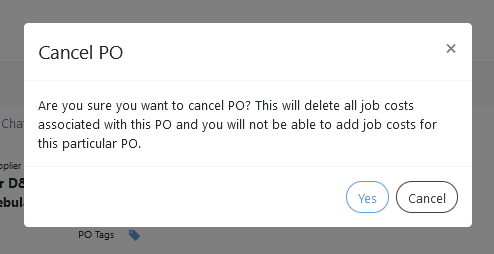
This will open up a prompt that you’ll have to confirm for the change to take effect.
Was this article helpful?
Still stuck?
Ask Tessa in chatEmail supportTessa can point you to the right guide, or bring in a ShopXpert teammate.