
Invoice Status - Paid
This is about explaining how to get the customer invoices status to show paid.
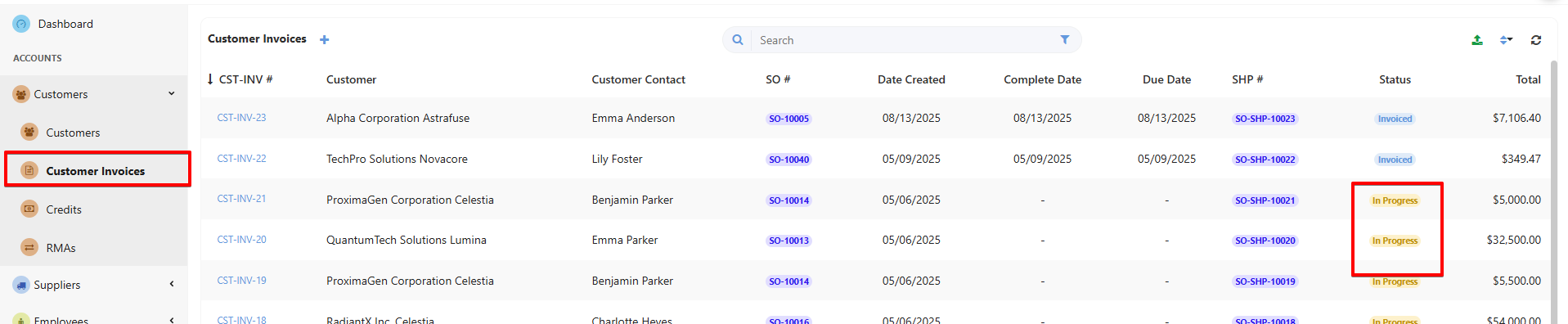
After submitting an invoice it will naturally show status ” In progress”
Invoice status can manually be changed to “Invoiced” from the dropdown menu in the edit view of the invoice.
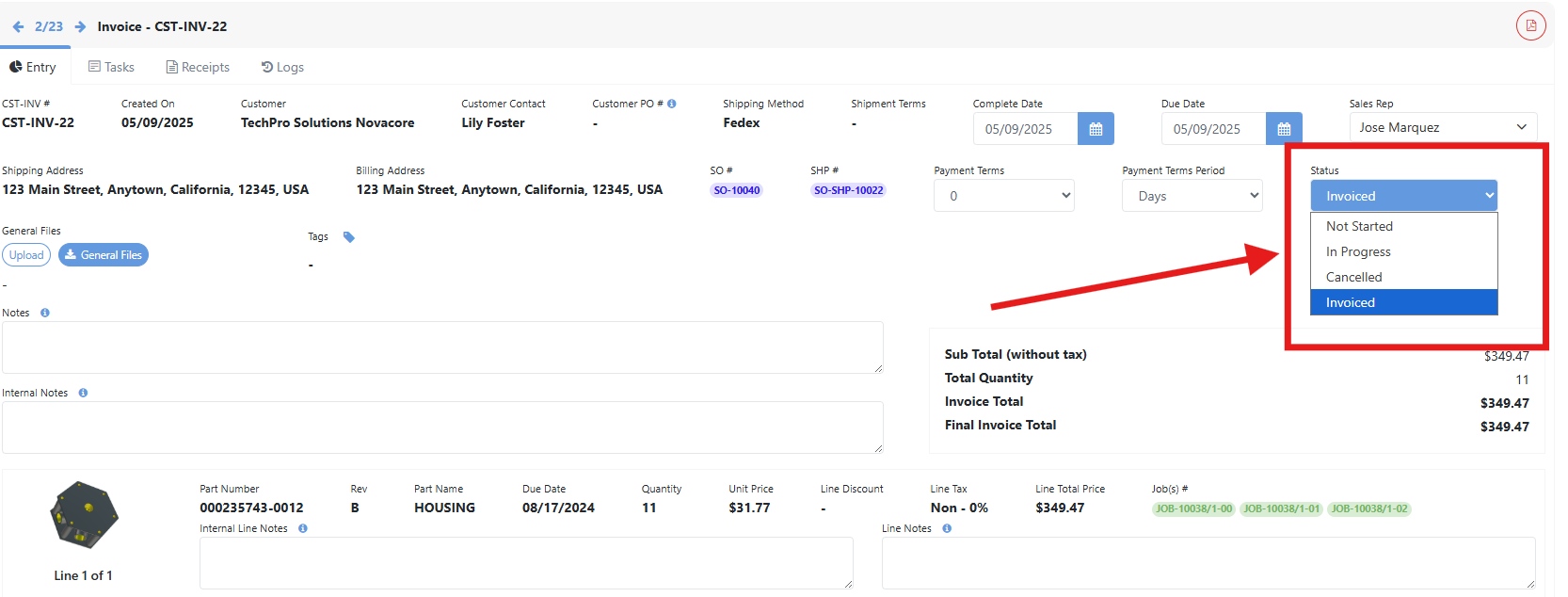
As you can see you can’t mark it as paid yet.
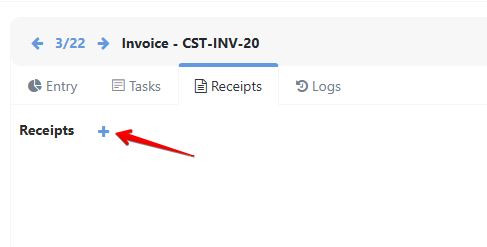
In order for the invoice to show status “Paid” it needs to have a receipt linked to it. You can manually create it from the “Receipts” tab. Click on the “+” to create receipt.
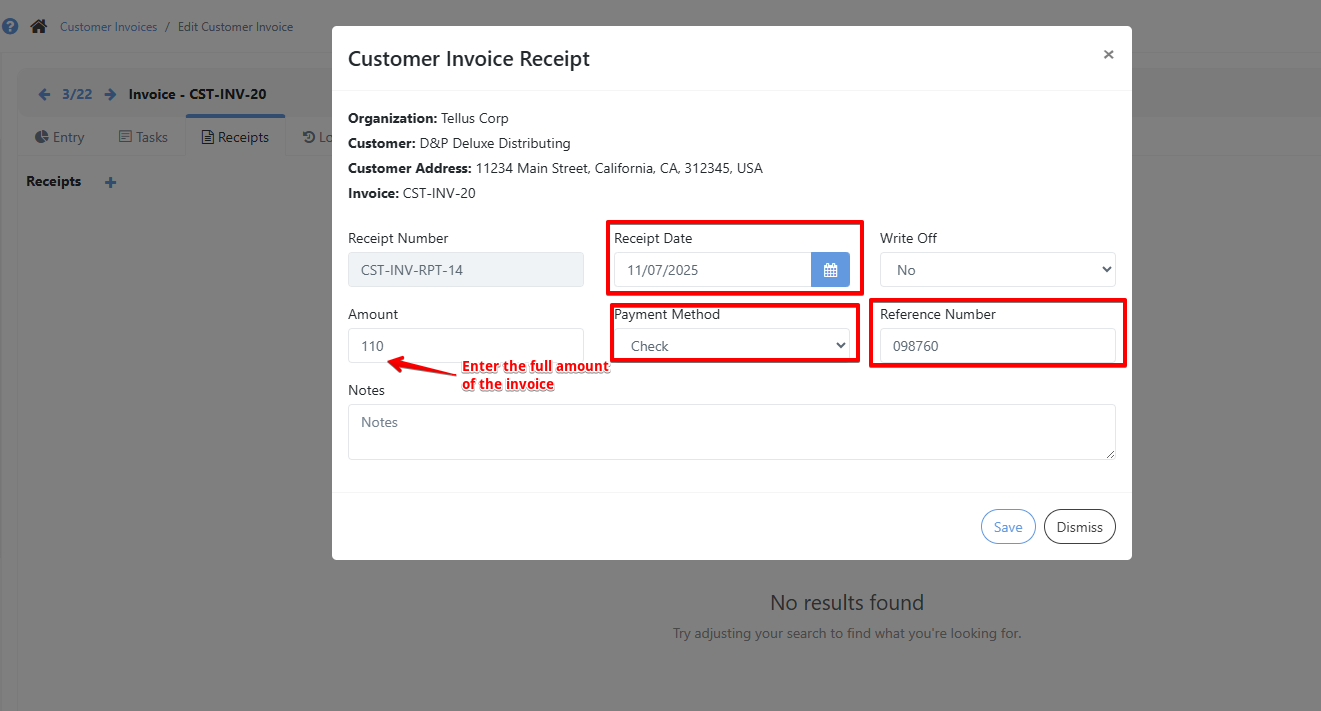
Fill in all required info , the most important the full amount of the invoice, you need it fully paid in order for the status to show paid.
The receipt will now show, in the receipts tab in that specific customer invoice.

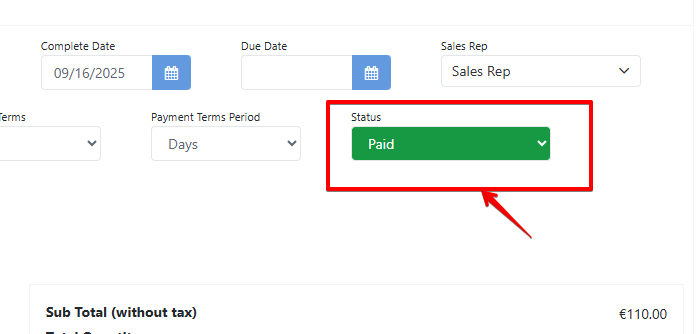
Now invoice status will show as “Paid“

Tessa can point you to the right guide, or bring in a ShopXpert teammate.